How do clutter and lighting affect camera-based robot sorting?
01 // Question
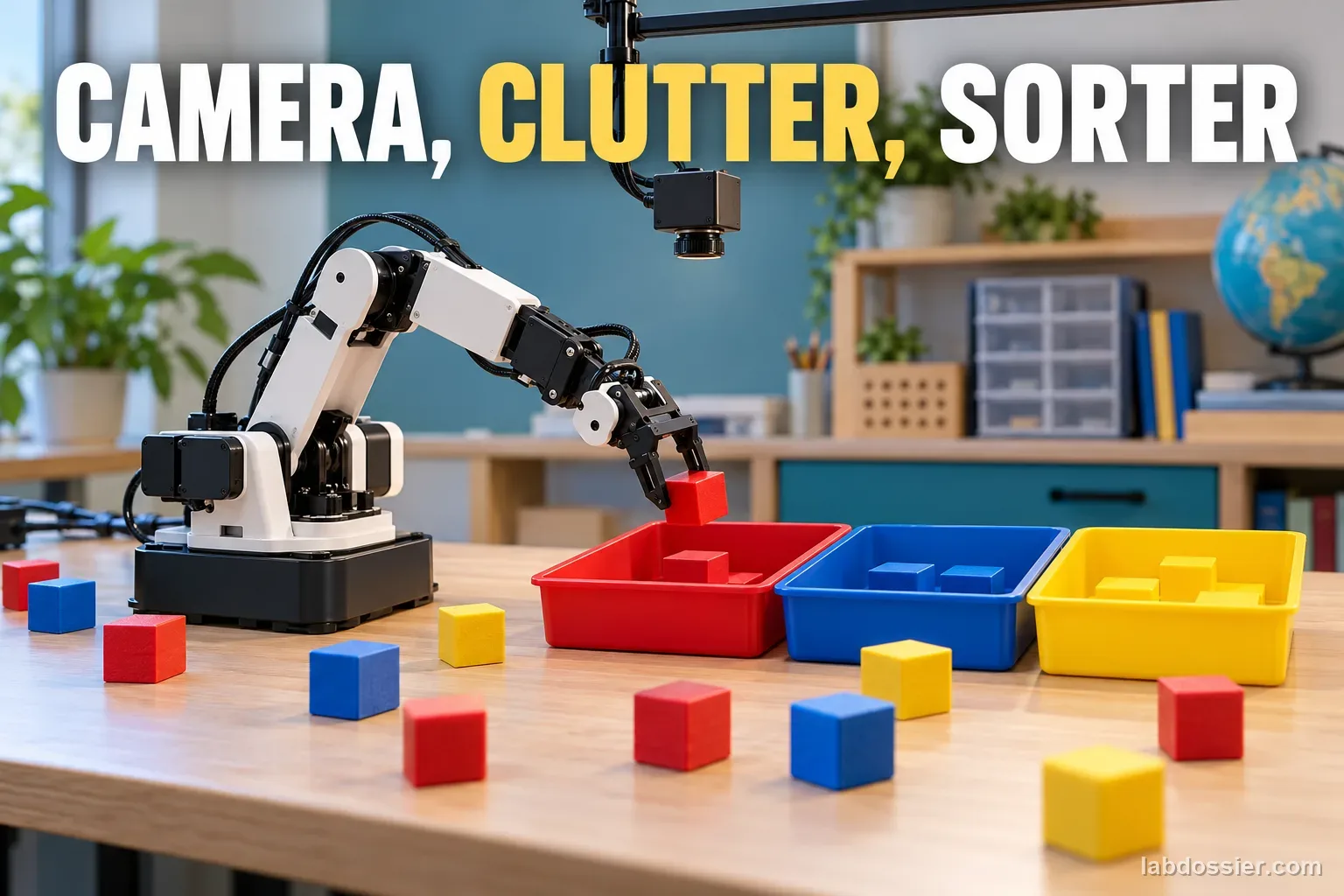
How do scene clutter and room illumination affect the sorting success of one camera-based educational robot?
This activity needs a small, slow, teacher-approved tabletop sorter with an existing guarded workspace. If there is no safe maker-approved robot or the camera cannot keep one fixed exposure mode, analyze published image examples instead of building, modifying, or running a machine.
02 // Variables
Independent
Scene clutter and measured illumination, crossed as two factors- Sparse layout at light level A
- Crowded layout at light level A
- Sparse layout at light level B
- Crowded layout at light level B
Dependent
Sorting outcome for each target object and each complete run- Correctly detected and placed in its matching bin
- Not detected or wrong class
- Detected but missed or mishandled
- Placed in the wrong bin or required human intervention
03 // Hypothesis
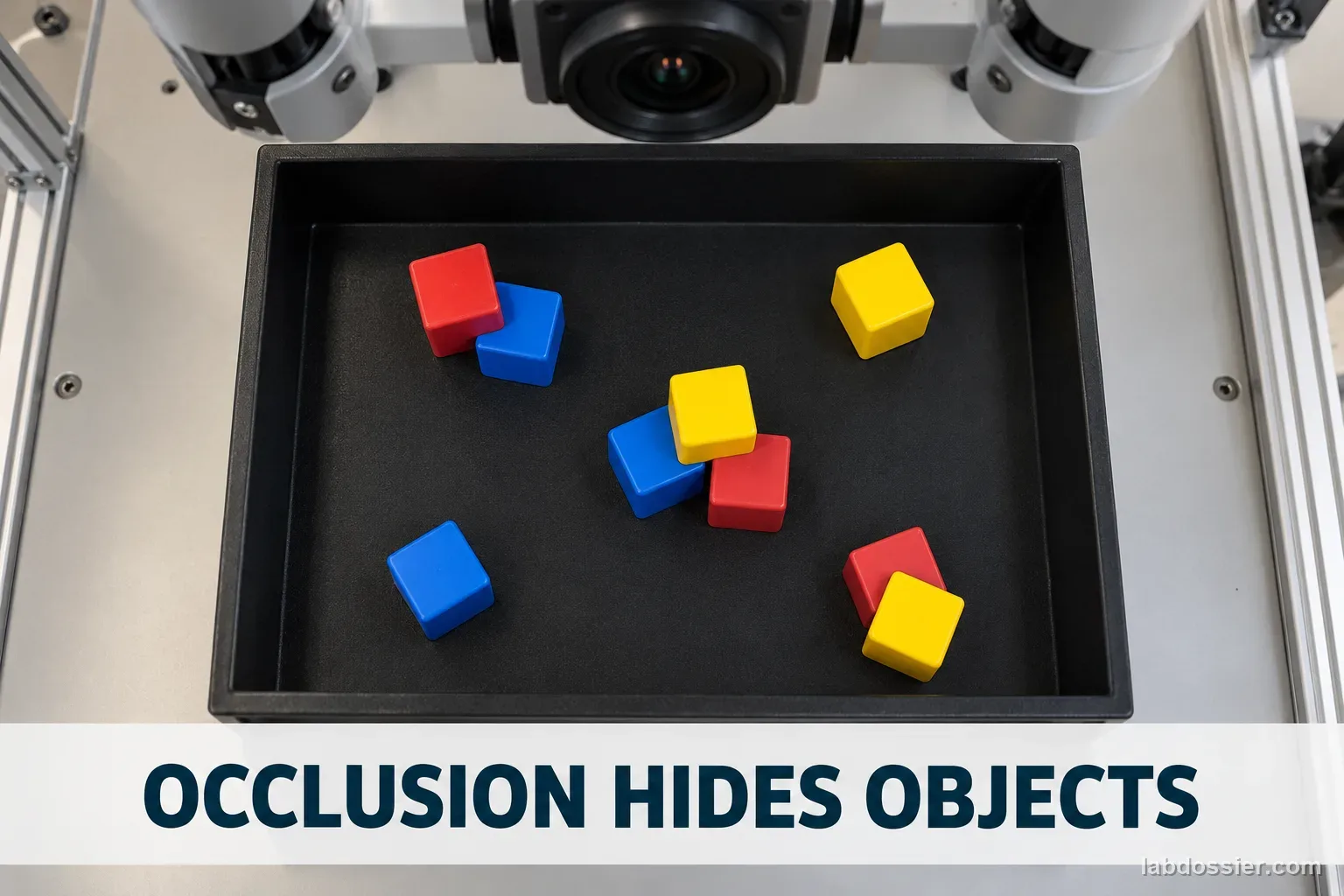
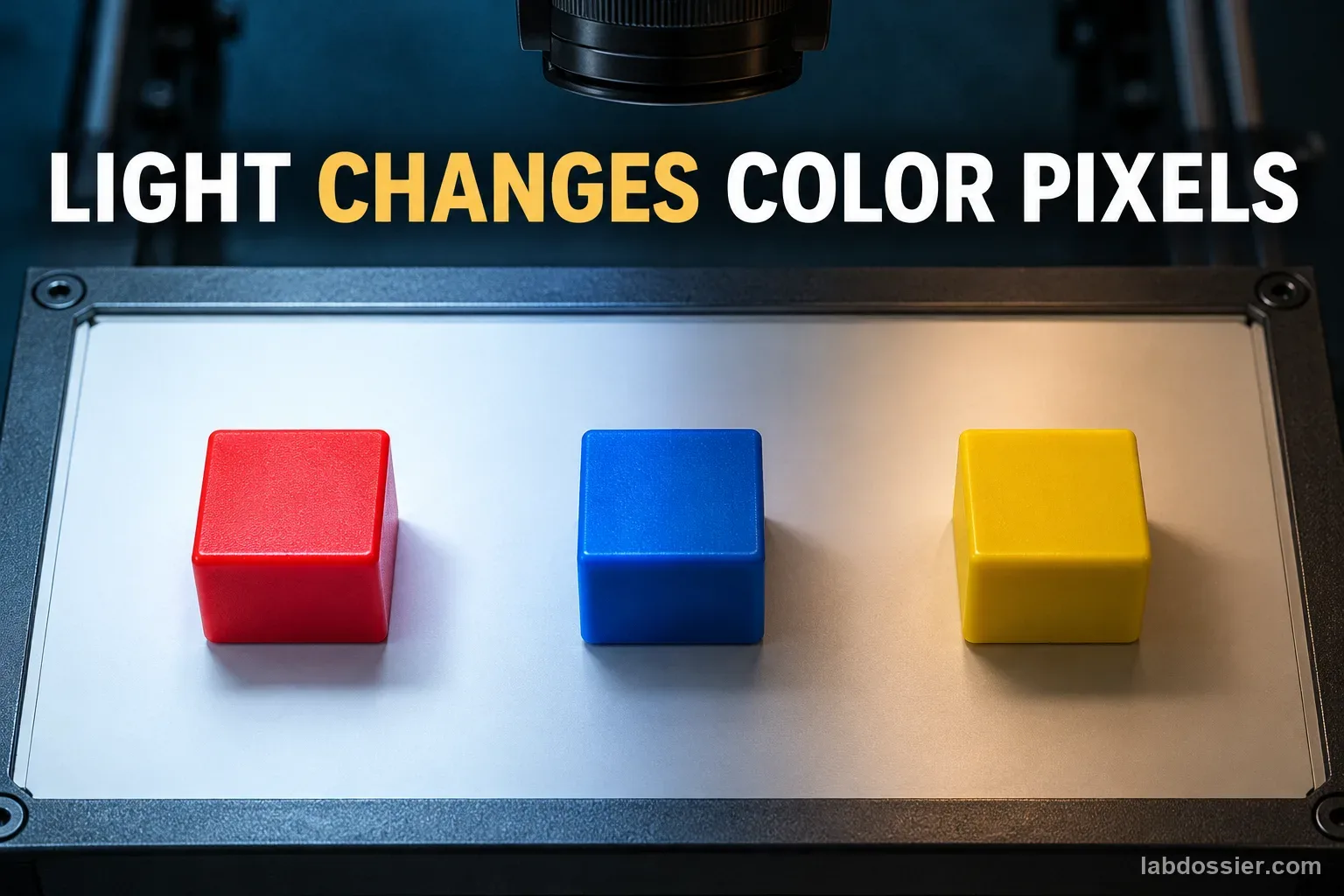
IF the same objects are sorted in a more crowded layout or under a different measured light level, THEN the tested robot may make more visual-detection or sorting errors, BECAUSE occlusion can hide object edges while illumination and shadows can change the pixels used to identify color or shape.
04 // Procedure
1. Choose a safe, supported sorter
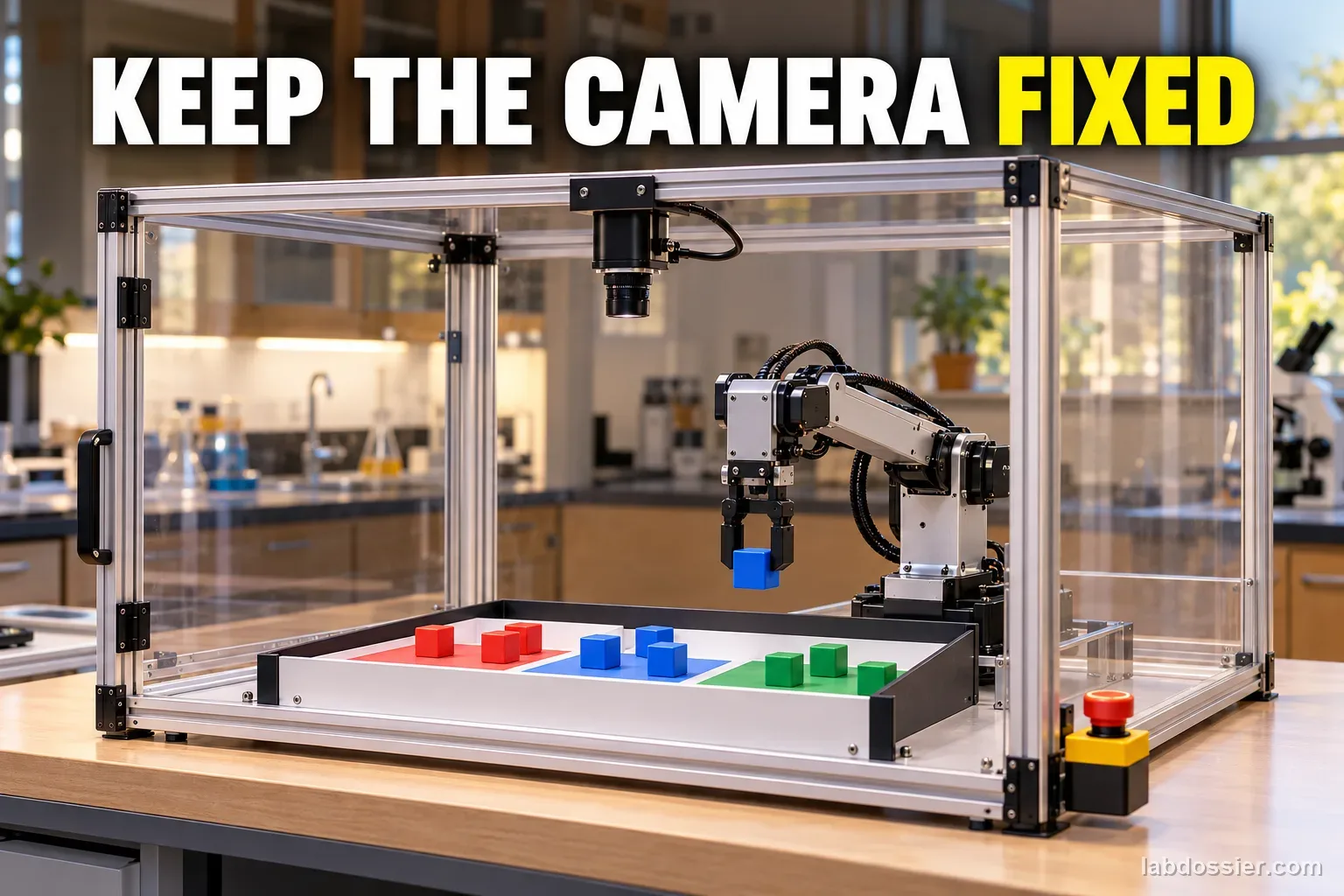
With an adult, use only a small, slow educational tabletop robot whose manual permits this task and whose moving area has a guard or clear exclusion boundary. Keep the camera and robot assembled as designed. Never use an industrial arm, drone, improvised gripper, exposed fast mechanism, or a robot near an unguarded edge. If the setup is not clearly safe, use the source-comparison activity below.
2. Define the objects and success rule
Choose three maker-approved, lightweight, non-fragile objects in distinct colors that the existing program already knows how to sort. Use the same objects and three matching bins throughout. A target counts as a success only if the robot detects it, picks it, and leaves it in the matching bin without a person correcting the run. Record a miss, wrong color, pickup failure, wrong-bin placement, and human intervention as separate outcomes.
3. Set the two light levels safely
Use one cool, stable, teacher-approved room lamp and a lux meter at the tray plane. Select two comfortable, non-glare levels the camera can still see clearly; for example, a lower and a higher measured level such as about 300 and 600 lux if the room can provide them. Those are chosen classroom settings, not universal thresholds. Keep the lamp type, angle, distance and camera exposure/white-balance mode fixed. Do not use darkness, flashing lights, hot lamps or direct glare. If available, note ambient lux with the lamp off.
4. Make matched sparse and crowded scenes
For each run, place the same three target objects and the same three neutral distractors in the same tray. In the sparse layout, leave at least one object-width between items. In the crowded layout, let some items touch and partly hide an edge, but never bury an item or make a grasp physically unsafe. Photograph the two starting layouts from the fixed camera before each run so the arrangement can be checked.
5. Hold the robot and camera steady
Clamp or use the robot maker's fixed camera mount; mark the tray and bin positions. Keep the same robot program, speed, background, target set and camera settings across all four conditions. If the device only offers automatic exposure, leave it in that same automatic mode for every run and write this down. Check focus and framing once before the comparison, not after seeing a poor result.
6. Run the crossed comparison
Test all four cells: sparse/lower light, crowded/lower light, sparse/higher light and crowded/higher light. Shuffle their order, then complete five runs per cell for 20 runs total. Reset the same objects to the photographed layout before each run; use the same start command and wait for the same end signal. A run ends when all targets are sorted, the program reports done, or the maker-defined safe timeout is reached. Do not reach into a moving workspace; pause and power down before any reset.
7. Score errors by stage
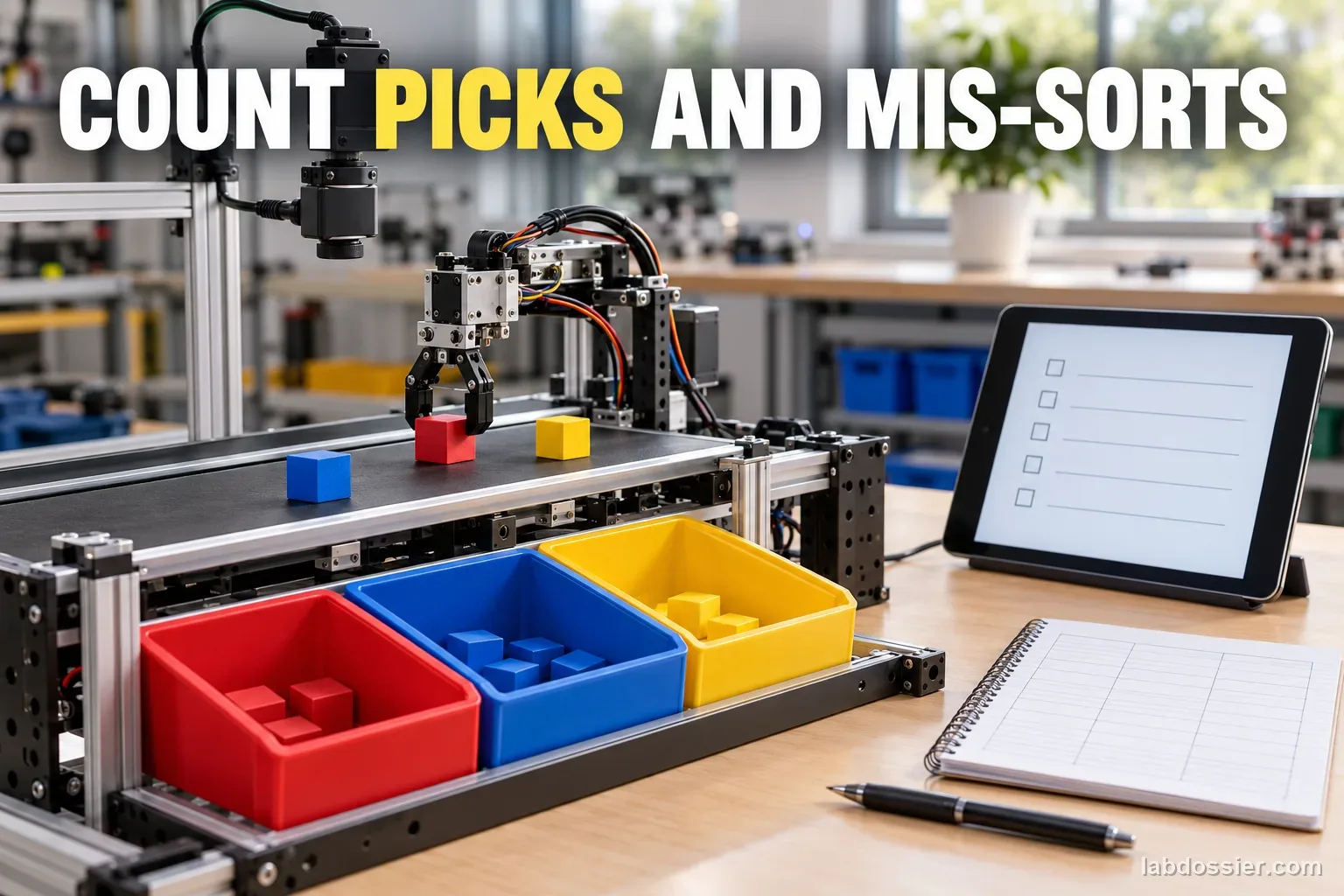
For each run, record the number of targets correctly sorted out of three and the separate detection, pickup, and placement error counts. Also record the lux reading, layout, run order, timeout, and unusual event. Compare each condition's 15 target opportunities as correct-sort percentage = correctly sorted targets ÷ 15 × 100. Keep run-level results visible because repeated objects in one run are not fully independent trials.
8. Explain what the experiment can show
Plot the four condition percentages, then compare the light difference within each layout and the clutter difference within each light level. If the crowded layout loses more accuracy only in one lighting condition, describe that as a possible interaction worth retesting. Five runs per cell provide a small classroom sample, not a reliable machine benchmark. Do not claim that every camera or robot will behave the same way.
Materials // Prepare the bench
- teacher-approved slow tabletop educational sorter with its original guard or clear exclusion zone
- the same lightweight objects in distinct supported target colors
- matching collection bins
- one stable cool room lamp
- lux meter if available
- fixed camera mount and original robot program
- tray layout guide, timer and recording sheet
05 // Data table
| Scene | Measured lux at tray | Run 1: correct / 3 | Run 2: correct / 3 | Run 3: correct / 3 | Run 4: correct / 3 | Run 5: correct / 3 | Miss / pickup / placement notes |
|---|---|---|---|---|---|---|---|
| Sparse | Lower: ______ | ||||||
| Crowded | Lower: ______ | ||||||
| Sparse | Higher: ______ | ||||||
| Crowded | Higher: ______ |
What the three closest sources establish
| Source | What it tested or teaches | Limit to keep in view |
|---|---|---|
| Okafor et al. (2024), sequential robotic object sorting | Compared lightweight visual reinforcement-learning models for pushing, grasping and placing in simulated sorting scenes with varying clutter and object types | A model/simulation study; its success metrics do not promise performance for a classroom robot, and lighting was not the isolated classroom factor |
| Li (1996), vision-based robot sorting under light sources | A physical robot and conveyor sorted two colored, similarly shaped parts under fluorescent or incandescent lighting; the thesis reports different performance across methods and illumination ranges | One older CCD system, part set and light setup; results cannot be transferred to modern camera modules or treated as safe target lux levels |
| PASCO, Robot Car Range Finder and Color Sorting | A classroom robot finds and picks a cup, senses its color, and carries it to the corresponding area; its sensor supports ambient and directional RGB light measurements | An activity description, not a repeated clutter-by-light performance dataset |
Read a failure by stage
| Observed result | What it suggests | What to record |
|---|---|---|
| Object not found or wrong color shown | Vision or classification stage may be affected | Target, layout, lux, camera setting, and displayed class if available |
| Correct class but missed pickup | Grasp position or handling may be the limiting step | Whether the item moved, slipped, or was blocked |
| Picked correctly but wrong bin | Route or placement logic may be responsible | Destination and any program warning |
| Only crowded scenes fail | Occlusion or available grasp space is a plausible contributor | Which edge was hidden and whether objects touched |
Formula Correct-sort percentage per condition = correctly sorted target objects ÷ total target opportunities × 100. With five runs and three targets per run, total opportunities = 15. Keep detection, pickup, and placement error counts separate; do not combine unlike failures into one diagnosis.
06 // What to expect
More occlusion may make some objects harder to detect or grasp, but the pattern depends on camera view, object shape, color, program and robot mechanics.
Different illumination can change shadows, glare, exposure and apparent color. The same lux reading does not guarantee the same spectrum or pixel values, so record lamp type and geometry as well as lux.
A correct camera classification does not guarantee a successful pick or placement. Separate vision errors from motion and handling errors before explaining a result.
07 // Lab notes
08 // Remember
Clutter can hide objects; lighting can change the camera image. Sort accuracy belongs to this robot, camera, objects, program and measured setup.
09 // A camera sorting run has several distinct stages
A camera may first detect an object, then assign a class or color, estimate where it is, and pass that information to a motion program. The robot must still approach, grasp, move and release the object correctly. A wrong-bin result can therefore begin in vision, motion planning, handling, or more than one stage.
Clutter and illumination affect different parts of this chain. An object can be partly hidden behind another item, leaving fewer visible edges or a smaller color patch. A lamp can create shadows, glare, changed exposure or changed apparent color. Recording errors by stage makes the observation more useful than one overall pass/fail count.
10 // What the closest sources show—and do not show
Okafor, Oyedeji and Alfarraj's 2024 paper compares lightweight visual deep-reinforcement-learning systems for sequential sorting actions such as pushing, grasping and placing in cluttered, varied-object scenes. Its full text describes generated observation scenes and reports simulation results, not a physical classroom sorter. It does not isolate a two-level room-light effect or certify a real machine. ScienceDirect itself blocked direct opening during review, but the full journal article was accessible on the Springer Nature page; numerical research performance claims are intentionally omitted here.
Johnny T. Li's 1996 University of Northern Iowa dissertation describes a physical SCORBOT-based conveyor system sorting two similar-geometry colored parts under fluorescent and incandescent illumination. Its abstract reports that different vision methods behaved differently over limited or wider illumination ranges. This is direct sorting evidence, but it comes from one older CCD system and two parts; its lux ranges are not recommended targets for modern devices.
PASCO's educational activity shows a robot finding and collecting a cup, sensing its color, and moving it to the corresponding color area. Its product page describes ambient and directional RGB measurements but does not present a repeated clutter-by-light accuracy study. The 2024 CEPB paper is an additional research source: its large photorealistic simulated dataset varies object clutter, camera positions and lighting conditions to test object detection and pose estimation. That is useful context for the two factors, but those image-model results are not physical robot sorting outcomes.
11 // Why use a crossed 2×2 comparison
Testing sparse and crowded layouts at both a lower and a higher safe light level creates four cells. If only the crowded scene is tested under dim light and the sparse scene under bright light, clutter and light change together and their effects cannot be separated. The crossed design lets learners compare the light difference within each layout and the clutter difference within each light level.
Keep the objects, number of objects and bins constant while changing their spacing and partial occlusion. This avoids confusing layout density with object count or new colors. Lux measures incident illumination at the tray, but it does not describe spectrum, direction, glare or the camera's automatic exposure; record those settings and conditions as well.
12 // Interpret a small result carefully
Five runs per cell are a practical classroom start, not a large reliability study. With three targets per run, the 15 target opportunities within a condition are grouped into five robot runs, so do not present them as 15 fully independent experiments. Plot the five run-level correct counts as well as the combined percentage, then show detection, pickup and placement errors separately.
If crowded scenes show more misses, occlusion is a plausible explanation, not proof: specific layouts, camera angle and robot policy also differ from other systems. If only one light level changes the outcome, repeat that pattern and check lamp geometry, camera settings and object color. A result from one educational device cannot predict factory performance, set safe operating limits, or rank different robots.
13 // Questions people ask
Why change clutter and light together instead of testing one at a time?
A 2×2 design checks both factors and whether one factor's effect may change at the other level. It takes more runs, but helps avoid attributing a combined change to only one cause.
Are 300 and 600 lux the correct levels for every robot?
No. They are example classroom targets only if a teacher can provide them safely. The camera, lamp spectrum, glare, distance and exposure settings matter too; record actual lux at the tray and the lamp setup.
Does clutter mean adding more objects?
This version keeps the same three targets and three neutral objects, then changes their spacing and partial occlusion. Holding the item count constant helps focus the comparison on layout.
What if the camera recognizes an item but the robot drops it?
Record the recognition as correct and the pickup or placement as a separate handling failure. A completed sort is successful only when the item reaches its matching bin without human correction.
Can these results predict warehouse robot performance?
No. Research systems use different cameras, models, robots, objects, lighting and safety controls. A small classroom test is a way to investigate one system, not certify a robot or forecast industrial performance.
14 // Keep going
Can you explain the investigation?
How do clutter and lighting affect camera-based robot sorting? · Student Data Sheet
Question: How do scene clutter and room illumination affect the sorting success of one camera-based educational robot?
Hypothesis: If the same objects are sorted in a more crowded layout or under a different measured light level, then the tested robot may make more visual-detection or sorting errors, because occlusion can hide object edges while illumination and shadows can change the pixels used to identify color or shape.
Materials
- teacher-approved slow tabletop educational sorter with its original guard or clear exclusion zone
- the same lightweight objects in distinct supported target colors
- matching collection bins
- one stable cool room lamp
- lux meter if available
- fixed camera mount and original robot program
- tray layout guide, timer and recording sheet
Safety before starting
- Use only a small, slow educational tabletop sorter in its original guard or with an adult-enforced exclusion boundary. Do not modify the robot, disable a guard, use industrial equipment or reach into the moving workspace.
- Pause and power down as the maker directs before adjusting the tray, lamp, camera mount or objects. Keep cables secured; use a cool stable lamp and avoid darkness, flashing light, direct glare and hot bulbs.
- Stop for unexpected motion, collision, loose parts, heat, unusual noise or loss of control. If no suitable maker-approved robot and safe workspace are available, use the published-data comparison instead.
Lab notes
Variables
Independent: Scene clutter and measured illumination, crossed as two factors · Dependent: Sorting outcome for each target object and each complete run
Keep constant: same robot, camera position, approved slow program, camera exposure/white-balance mode, objects and target classes, object count, bins, background, starting region, run definition, lux-measurement location, lamp type and angle, and human distance; randomize the four condition order and repeat each condition five times
Procedure
- Choose a safe, supported sorter: With an adult, use only a small, slow educational tabletop robot whose manual permits this task and whose moving area has a guard or clear exclusion boundary. Keep the camera and robot assembled as designed. Never use an industrial arm, drone, improvised gripper, exposed fast mechanism, or a robot near an unguarded edge. If the setup is not clearly safe, use the source-comparison activity below.
- Define the objects and success rule: Choose three maker-approved, lightweight, non-fragile objects in distinct colors that the existing program already knows how to sort. Use the same objects and three matching bins throughout. A target counts as a success only if the robot detects it, picks it, and leaves it in the matching bin without a person correcting the run. Record a miss, wrong color, pickup failure, wrong-bin placement, and human intervention as separate outcomes.
- Set the two light levels safely: Use one cool, stable, teacher-approved room lamp and a lux meter at the tray plane. Select two comfortable, non-glare levels the camera can still see clearly; for example, a lower and a higher measured level such as about 300 and 600 lux if the room can provide them. Those are chosen classroom settings, not universal thresholds. Keep the lamp type, angle, distance and camera exposure/white-balance mode fixed. Do not use darkness, flashing lights, hot lamps or direct glare. If available, note ambient lux with the lamp off.
- Make matched sparse and crowded scenes: For each run, place the same three target objects and the same three neutral distractors in the same tray. In the sparse layout, leave at least one object-width between items. In the crowded layout, let some items touch and partly hide an edge, but never bury an item or make a grasp physically unsafe. Photograph the two starting layouts from the fixed camera before each run so the arrangement can be checked.
- Hold the robot and camera steady: Clamp or use the robot maker's fixed camera mount; mark the tray and bin positions. Keep the same robot program, speed, background, target set and camera settings across all four conditions. If the device only offers automatic exposure, leave it in that same automatic mode for every run and write this down. Check focus and framing once before the comparison, not after seeing a poor result.
- Run the crossed comparison: Test all four cells: sparse/lower light, crowded/lower light, sparse/higher light and crowded/higher light. Shuffle their order, then complete five runs per cell for 20 runs total. Reset the same objects to the photographed layout before each run; use the same start command and wait for the same end signal. A run ends when all targets are sorted, the program reports done, or the maker-defined safe timeout is reached. Do not reach into a moving workspace; pause and power down before any reset.
- Score errors by stage: For each run, record the number of targets correctly sorted out of three and the separate detection, pickup, and placement error counts. Also record the lux reading, layout, run order, timeout, and unusual event. Compare each condition's 15 target opportunities as correct-sort percentage = correctly sorted targets ÷ 15 × 100. Keep run-level results visible because repeated objects in one run are not fully independent trials.
- Explain what the experiment can show: Plot the four condition percentages, then compare the light difference within each layout and the clutter difference within each light level. If the crowded layout loses more accuracy only in one lighting condition, describe that as a possible interaction worth retesting. Five runs per cell provide a small classroom sample, not a reliable machine benchmark. Do not claim that every camera or robot will behave the same way.
Record your observations
| Scene | Measured lux at tray | Run 1: correct / 3 | Run 2: correct / 3 | Run 3: correct / 3 | Run 4: correct / 3 | Run 5: correct / 3 | Miss / pickup / placement notes |
|---|---|---|---|---|---|---|---|
What the three closest sources establish
| Source | What it tested or teaches | Limit to keep in view |
|---|---|---|
Read a failure by stage
| Observed result | What it suggests | What to record |
|---|---|---|
Formula: Correct-sort percentage per condition = correctly sorted target objects ÷ total target opportunities × 100. With five runs and three targets per run, total opportunities = 15. Keep detection, pickup, and placement error counts separate; do not combine unlike failures into one diagnosis.
Answer key and expected pattern
More occlusion may make some objects harder to detect or grasp, but the pattern depends on camera view, object shape, color, program and robot mechanics.
Different illumination can change shadows, glare, exposure and apparent color. The same lux reading does not guarantee the same spectrum or pixel values, so record lamp type and geometry as well as lux.
A correct camera classification does not guarantee a successful pick or placement. Separate vision errors from motion and handling errors before explaining a result.
Remember: Clutter can hide objects; lighting can change the camera image. Sort accuracy belongs to this robot, camera, objects, program and measured setup.