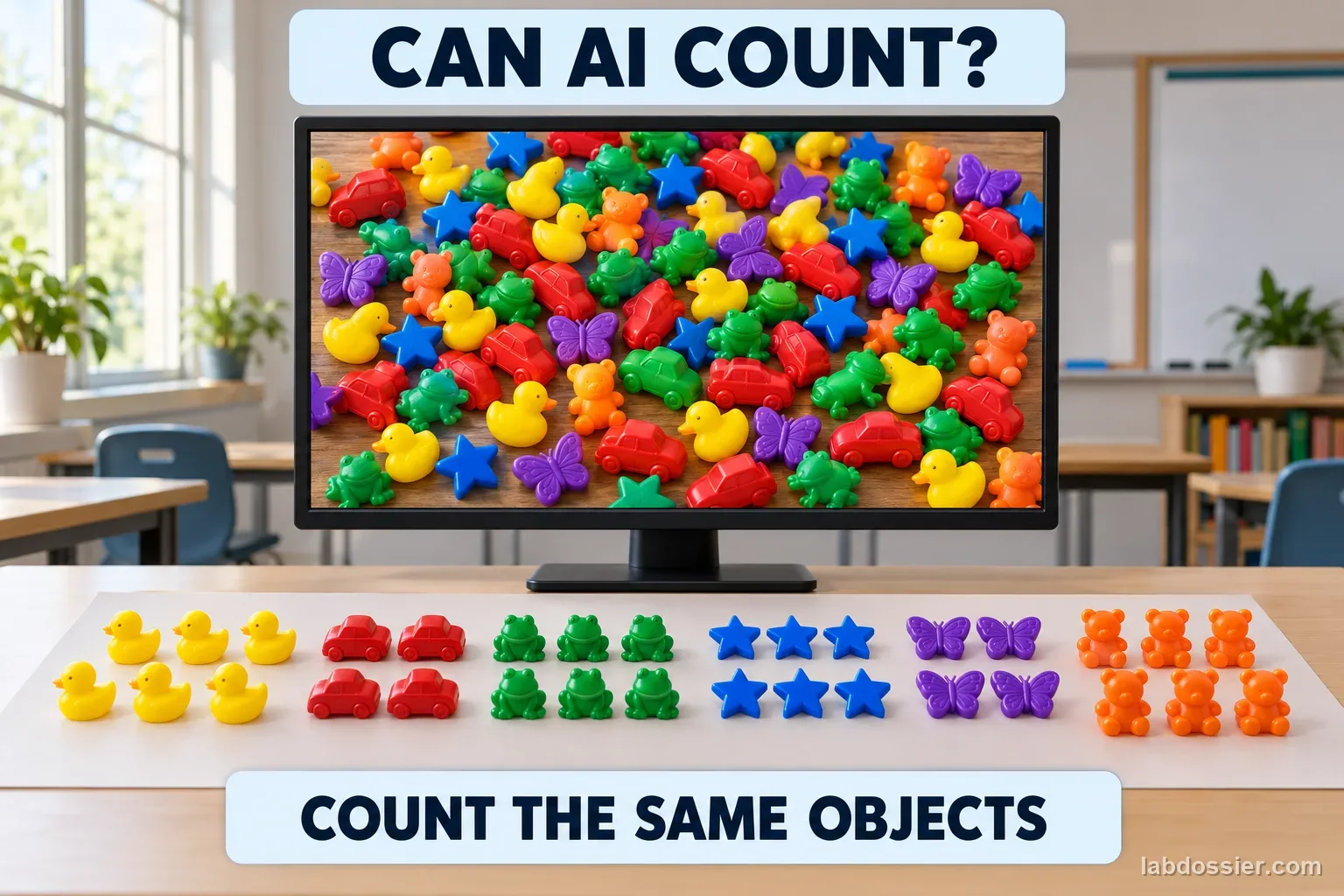
Can an AI vision model count objects when a picture gets cluttered?
01 // Question
Does increasing image clutter change how accurately an AI vision model counts objects?
This tests one approved model on one small collection of images. It cannot establish how all vision systems perform.
02 // Variables
Independent
Image layout and object count- Three object-count levels: 8, 12 and 16
- Spaced layout and moderately cluttered layout
Dependent
Difference between the model estimate and the verified count- AI estimate for each image
- Absolute error = |estimate − verified count|
- Whether a repeated prompt changes the estimate
03 // Hypothesis
IF the same objects are arranged with more overlap and visual clutter, THEN the model's counting error may change, BECAUSE overlap and nearby distractors can make individual object boundaries harder to distinguish, but the result depends on the particular model and images.
04 // Procedure
1. Make safe, countable image sets
Use teacher-approved pictures of colored paper tokens or small classroom counters on a plain background. Make six images at each of three counts (8, 12 and 16): one spaced arrangement and one moderately cluttered arrangement for each matched set. Do not include people, names, student work or account information.
2. Record the verified count first
Two students independently count each image without seeing a model response. Reconcile any disagreement by counting the physical tokens or a numbered master list. Save the verified count and image ID before testing the AI.
3. Fix the model and prompt
With a teacher, select one school-approved vision model. Record the product name, visible model/version, date and available settings. Use the same short prompt for every image: ‘How many separate tokens are visible? Give one whole-number estimate.’ If the service does not identify its version, record ‘version not shown.’
4. Test in a mixed order
Randomize the 36 image IDs so all counts and layouts are mixed. Submit each image separately. Do not show the AI the answer key, correct it, or add examples during testing. If time allows, repeat a prompt once in a fresh session and record it separately as a repeatability check; keep it out of the six-image primary error summaries.
5. Calculate the count error
For each response, calculate absolute error as the absolute value of estimated count minus verified count. For each count-and-layout group, report the median error and the number of exact counts out of six; retain the raw estimates. Note refusals or non-numeric answers instead of silently excluding them.
6. Explain the tested limits
Compare spaced and cluttered image groups separately at 8, 12 and 16 objects. State whether the pattern was consistent across the tested groups. The test covers one model, date, prompt, object type and classroom setup—not all vision tasks, populations or real-world consequences.
Materials // Prepare the bench
- teacher-approved vision-language AI tool with image input
- 36 teacher-made or otherwise approved non-identifying token images
- physical tokens or a verified answer key
- computer
- timer or spreadsheet
- notebook
- teacher approval for service and privacy settings
05 // Data table
| Image ID | Verified count | Layout | AI estimate | Absolute error | Repeat estimate / note |
|---|---|---|---|---|---|
| 8-S1 | 8 | spaced | |||
| 8-C1 | 8 | cluttered | |||
| 8-S2 | 8 | spaced | |||
| 8-C2 | 8 | cluttered | |||
| 8-S3 | 8 | spaced | |||
| 8-C3 | 8 | cluttered | |||
| 8-S4 | 8 | spaced | |||
| 8-C4 | 8 | cluttered | |||
| 8-S5 | 8 | spaced | |||
| 8-C5 | 8 | cluttered | |||
| 8-S6 | 8 | spaced | |||
| 8-C6 | 8 | cluttered | |||
| 12-S1 | 12 | spaced | |||
| 12-C1 | 12 | cluttered | |||
| 12-S2 | 12 | spaced | |||
| 12-C2 | 12 | cluttered | |||
| 12-S3 | 12 | spaced | |||
| 12-C3 | 12 | cluttered | |||
| 12-S4 | 12 | spaced | |||
| 12-C4 | 12 | cluttered | |||
| 12-S5 | 12 | spaced | |||
| 12-C5 | 12 | cluttered | |||
| 12-S6 | 12 | spaced | |||
| 12-C6 | 12 | cluttered | |||
| 16-S1 | 16 | spaced | |||
| 16-C1 | 16 | cluttered | |||
| 16-S2 | 16 | spaced | |||
| 16-C2 | 16 | cluttered | |||
| 16-S3 | 16 | spaced | |||
| 16-C3 | 16 | cluttered | |||
| 16-S4 | 16 | spaced | |||
| 16-C4 | 16 | cluttered | |||
| 16-S5 | 16 | spaced | |||
| 16-C5 | 16 | cluttered | |||
| 16-S6 | 16 | spaced | |||
| 16-C6 | 16 | cluttered |
Keep the comparison balanced
| Verified count | Spaced images | Cluttered images | Matched-pair rule |
|---|---|---|---|
| 8 objects | 6 different arrangements | same 6 arrangements | Keep the token colors and identities matched |
| 12 objects | 6 different arrangements | same 6 arrangements | Only layout changes within a pair |
| 16 objects | 6 different arrangements | same 6 arrangements | Keep image size and background constant |
Summary table (fill with your own observations)
| Count / layout | Exact estimates / 6 | Median absolute error | Responses not counted |
|---|---|---|---|
| 8 / spaced | |||
| 8 / cluttered | |||
| 12 / spaced | |||
| 12 / cluttered | |||
| 16 / spaced | |||
| 16 / cluttered |
Formula Absolute count error = |AI estimate − verified count|
06 // What to expect
A model estimate is a prediction to evaluate, not a verified measurement.
Keep matched layouts and raw responses so the comparison can be checked.
A small set can reveal a pattern worth testing; it cannot prove general capability or failure.
07 // Lab notes
- Keep the experiment small and low stakes. Never use the model to count medication, people in an emergency, or any safety-critical item.
08 // Remember
Measure the model against a verified answer key. A fluent response is not the same as a correct count.
09 // Prepare the matched image benchmark
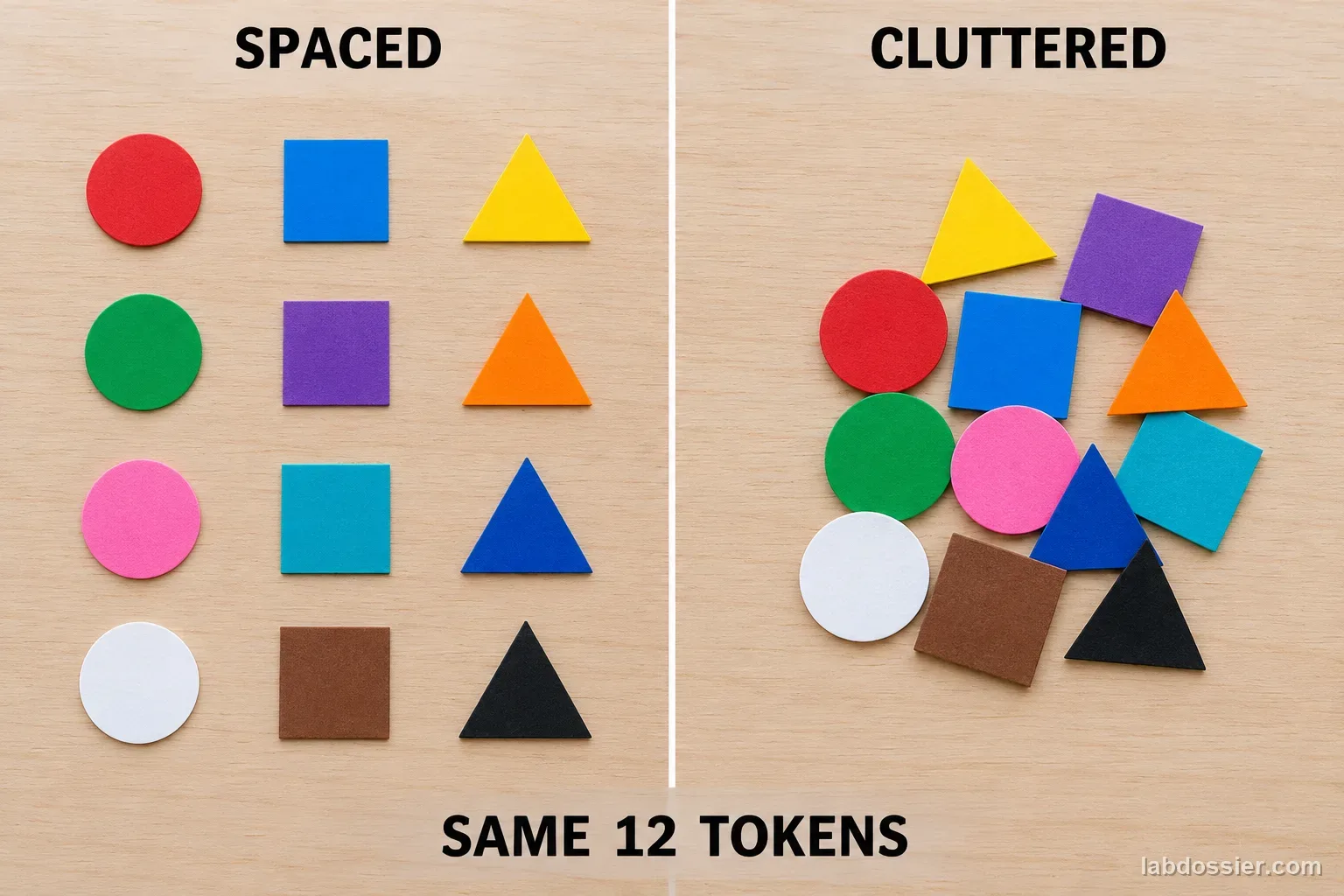
Create six different arrangements at each verified count (8, 12, and 16 tokens). For every arrangement, save one spaced and one moderately cluttered image with the same token identities, colors, camera, lighting, framing, image dimensions and plain background. The layout pair is the planned change. Avoid overlap that makes the ground truth genuinely ambiguous; keep each token visible and independently countable.
Have two students count each image independently before any AI response is collected. Resolve disagreements by checking the physical arrangement or a numbered master key, then record the verified count and image ID. This makes 36 images total: 18 matched arrangements with two layouts each. The human count is a reference for this small classroom set, not a claim about all possible images.
10 // Run the image set without training on the answers
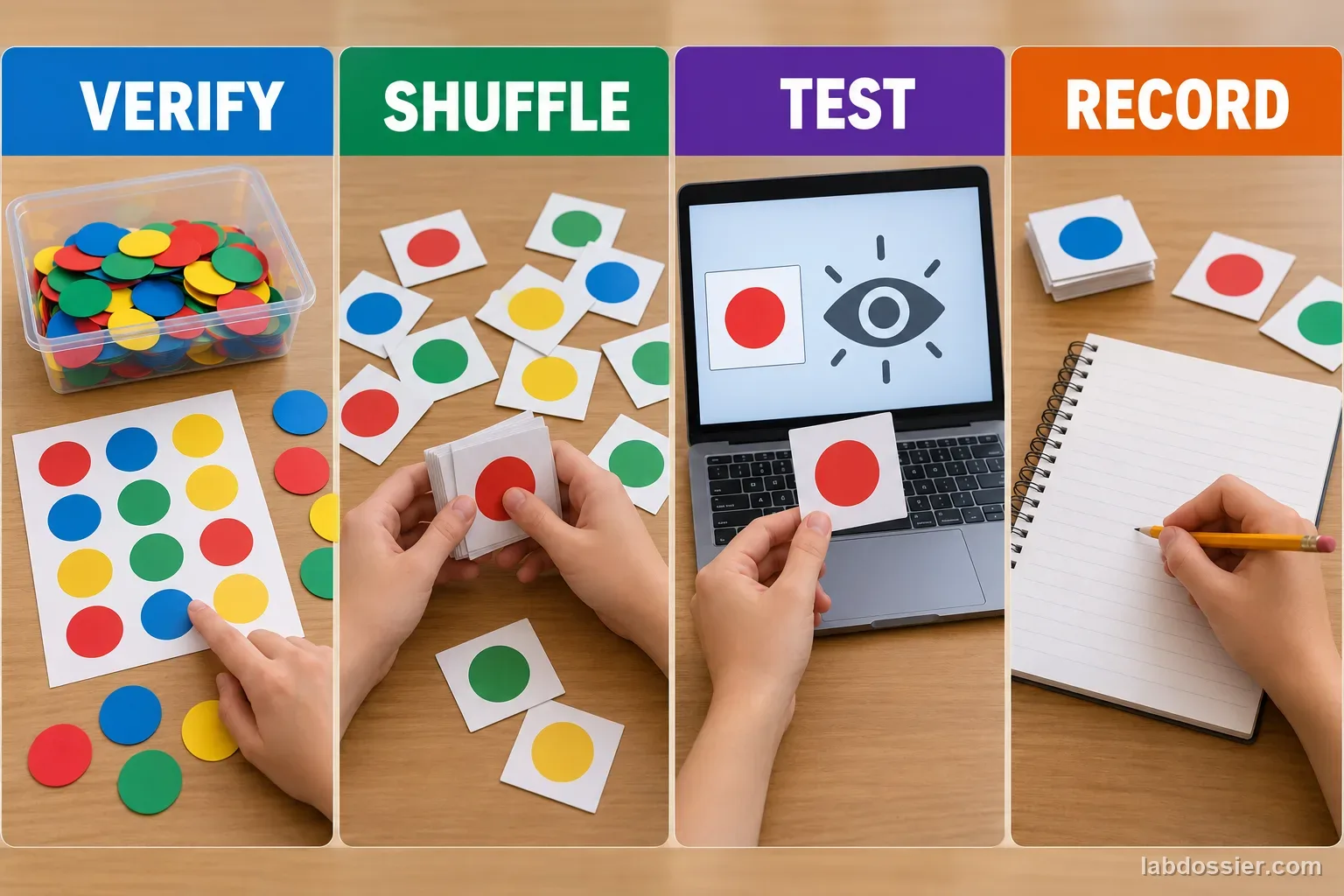
Choose one image-capable AI tool with a teacher and record its visible name, model/version if shown, test date and relevant settings. Use the same prompt for each image, such as: ‘How many separate tokens are visible? Give one whole-number estimate.’ Randomize the 36 image IDs and submit images individually. Keep the answer key out of the prompt and do not teach or correct the tool during the test.
Save the exact response, including a range, refusal, explanation without a number, or other non-numeric answer. Mark those cases as not countable instead of forcing them into a score. If students repeat a prompt in a fresh session, record it as a separate repeatability observation and keep it out of the six-image primary error summary; do not quietly choose the answer that seems most plausible.
11 // Calculate and compare the error
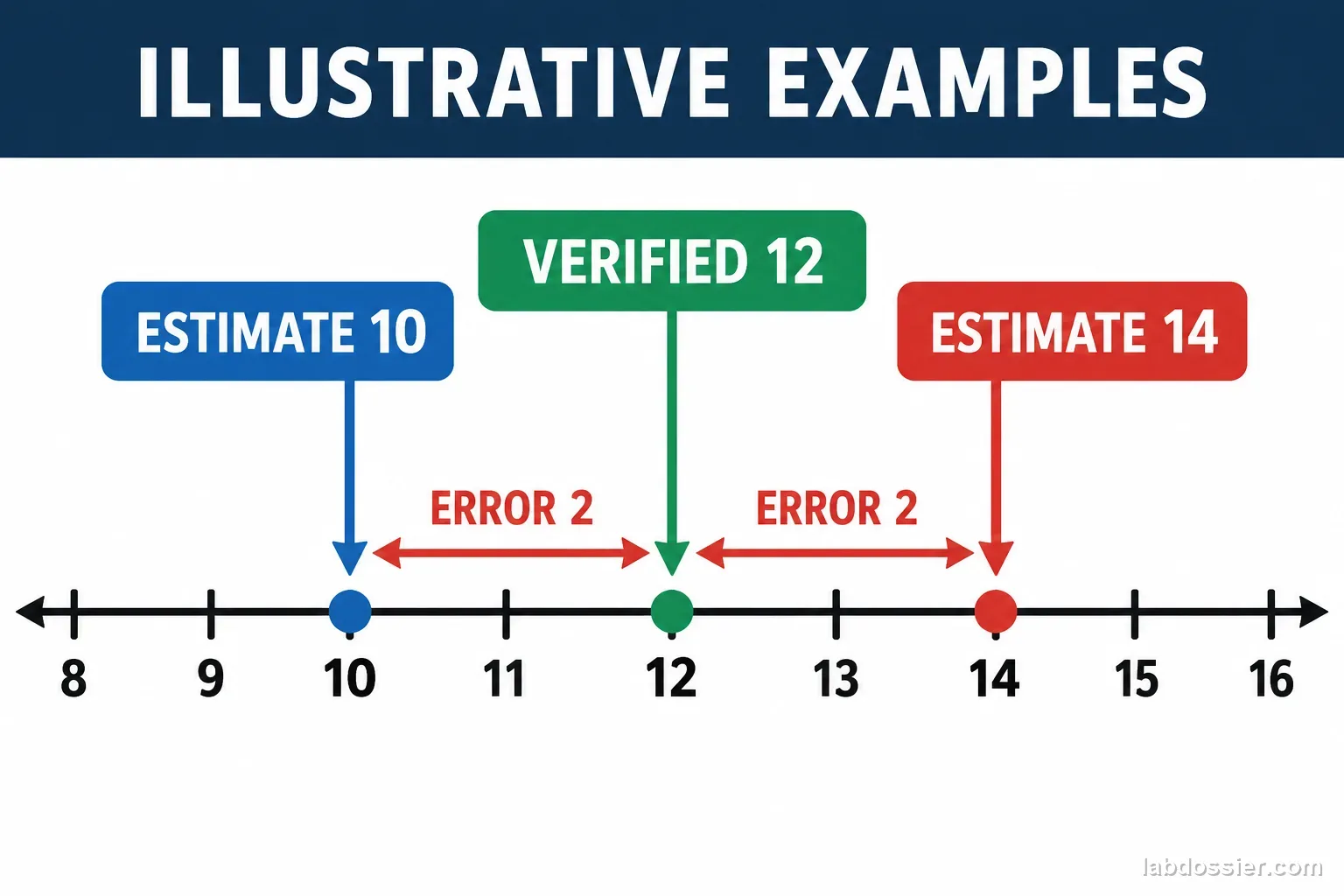
For a numeric estimate, calculate absolute error as |estimate − verified count|. For example, an illustrative estimate of 10 when the verified count is 12 has an error of 2 objects; an estimate of 14 also has an error of 2. Absolute error keeps overcounts and undercounts on the same scale while the raw estimate preserves direction. Do not label these example values as experimental data.
Within each of the six groups (8/12/16 crossed with spaced/cluttered), report the median absolute error, the number of exact responses out of six, and how many responses were non-numeric. Keep all individual estimates in the raw table. The median is less affected by one unusually large miss than a mean, but neither summary replaces showing the small sample size and raw observations.
12 // Interpret the pattern—and its limits
Compare the spaced and cluttered results separately at each object count. If the cluttered set has a larger median error for all three counts, describe that pattern for this tested model and image set. If the pattern varies by count or there are too few numeric responses, report that instead. The experiment is designed to measure outcomes, not guarantee a particular result.
Current research benchmarks treat counting, visual complexity, image distortions, model choice and prompt wording as separate factors. A classroom set cannot reproduce those large, diverse evaluations. It also cannot reveal which internal features the model used. Report the tool, version if visible, date, prompt, image design, missing responses and limits; never extend the result to emergency counts or other high-stakes uses.
13 // Questions people ask
Is the AI estimate the correct answer?
No. The verified count comes from the saved image key or physical objects. The model response is the result being evaluated.
Why test both object count and clutter?
Counting more objects and separating overlapping boundaries are different challenges. Matched layouts help describe which tested condition was associated with a change in error.
Why use absolute error instead of just saying the AI was close?
Absolute error gives a consistent non-negative difference in objects, so an estimate of 10 for 12 and an estimate of 14 for 12 both have an error of 2.
Does this show that AI cannot count?
No. It measures one model, with one prompt and a narrow set of classroom images. Different models, images, tools and settings can produce different outcomes.
May we use photos of students?
No. Use non-identifying classroom objects and follow school policy. Do not upload student images or personal information to an online AI service.
Can you explain the investigation?
Can an AI vision model count objects when a picture gets cluttered? · Student Data Sheet
Question: Does increasing image clutter change how accurately an AI vision model counts objects?
Hypothesis: If the same objects are arranged with more overlap and visual clutter, then the model's counting error may change, because overlap and nearby distractors can make individual object boundaries harder to distinguish, but the result depends on the particular model and images.
Materials
- teacher-approved vision-language AI tool with image input
- 36 teacher-made or otherwise approved non-identifying token images
- physical tokens or a verified answer key
- computer
- timer or spreadsheet
- notebook
- teacher approval for service and privacy settings
Safety before starting
- Use teacher-approved pictures of non-identifying objects. Do not upload student faces, names, private photographs, school records, or account details.
- Check the selected service's age, privacy, and retention rules with a teacher. Treat one model's count as a classroom test result, not proof for a consequential decision.
Lab notes
- Keep the experiment small and low stakes. Never use the model to count medication, people in an emergency, or any safety-critical item.
Variables
Independent: Image layout and object count · Dependent: Difference between the model estimate and the verified count
Keep constant: same object set within each matched pair · same camera and resolution · same model/version and settings · same prompt · no personally identifying images · random presentation order
Procedure
- Make safe, countable image sets: Use teacher-approved pictures of colored paper tokens or small classroom counters on a plain background. Make six images at each of three counts (8, 12 and 16): one spaced arrangement and one moderately cluttered arrangement for each matched set. Do not include people, names, student work or account information.
- Record the verified count first: Two students independently count each image without seeing a model response. Reconcile any disagreement by counting the physical tokens or a numbered master list. Save the verified count and image ID before testing the AI.
- Fix the model and prompt: With a teacher, select one school-approved vision model. Record the product name, visible model/version, date and available settings. Use the same short prompt for every image: ‘How many separate tokens are visible? Give one whole-number estimate.’ If the service does not identify its version, record ‘version not shown.’
- Test in a mixed order: Randomize the 36 image IDs so all counts and layouts are mixed. Submit each image separately. Do not show the AI the answer key, correct it, or add examples during testing. If time allows, repeat a prompt once in a fresh session and record it separately as a repeatability check; keep it out of the six-image primary error summaries.
- Calculate the count error: For each response, calculate absolute error as the absolute value of estimated count minus verified count. For each count-and-layout group, report the median error and the number of exact counts out of six; retain the raw estimates. Note refusals or non-numeric answers instead of silently excluding them.
- Explain the tested limits: Compare spaced and cluttered image groups separately at 8, 12 and 16 objects. State whether the pattern was consistent across the tested groups. The test covers one model, date, prompt, object type and classroom setup—not all vision tasks, populations or real-world consequences.
Record your observations
| Image ID | Verified count | Layout | AI estimate | Absolute error | Repeat estimate / note |
|---|---|---|---|---|---|
Keep the comparison balanced
| Verified count | Spaced images | Cluttered images | Matched-pair rule |
|---|---|---|---|
Summary table (fill with your own observations)
| Count / layout | Exact estimates / 6 | Median absolute error | Responses not counted |
|---|---|---|---|
Formula: Absolute count error = |AI estimate − verified count|
Answer key and expected pattern
A model estimate is a prediction to evaluate, not a verified measurement.
Keep matched layouts and raw responses so the comparison can be checked.
A small set can reveal a pattern worth testing; it cannot prove general capability or failure.
Remember: Measure the model against a verified answer key. A fluent response is not the same as a correct count.