How does changing light affect an image classifier’s predictions?
01 // Question
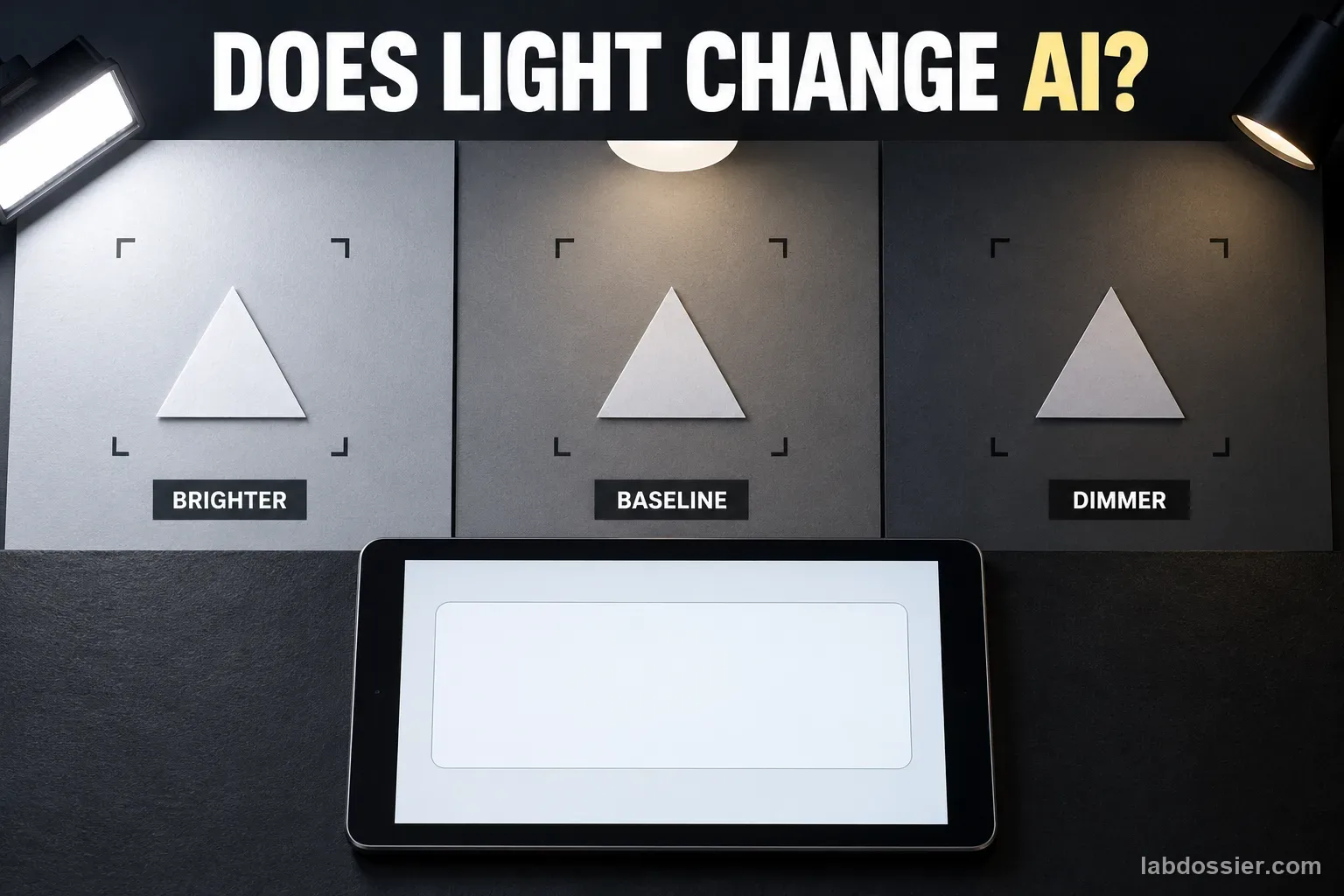
For one trained shape classifier, how does changing illumination affect predictions for the same held-out cards?
This measures the combined camera-and-model pipeline in one setup. It cannot isolate the model from automatic camera exposure or establish behavior for other systems.
02 // Variables
Independent
Illumination at the test card- Brighter diffuse light
- Baseline room light used for training
- Dimmer but safely visible diffuse light
Dependent
Classification outcome on the fixed test cards- Correct predicted labels out of 30 per condition
- Class-specific confusion counts
- Displayed confidence, recorded separately from correctness
03 // Hypothesis
IF the same held-out cards are captured under light levels different from the model's training light, THEN some predictions or displayed confidence values may change, BECAUSE illumination can alter the captured appearance, while the size and direction of the effect depend on the camera, model, objects and light setup.
04 // Procedure
1. Choose safe, non-identifying classes
Use equally colored paper circles, triangles and squares on one matte background. Avoid faces, student work and personal images. A teacher selects a school-approved classifier and checks its current account and privacy requirements.
2. Train once under baseline light
Capture 12 distinct training examples per shape in steady, diffuse baseline room light. Keep the camera and card position fixed. Record the tool, visible model/version, date and settings, then train one model. Do not retrain during the lighting comparison.
3. Prepare new test cards
Set aside 10 other cards per shape, for 30 held-out cards total, and write their verified labels before testing. These cards must not appear in training. Mark one fixed card position and one camera position; keep the card facing and background the same in every image.
4. Set three safe light conditions
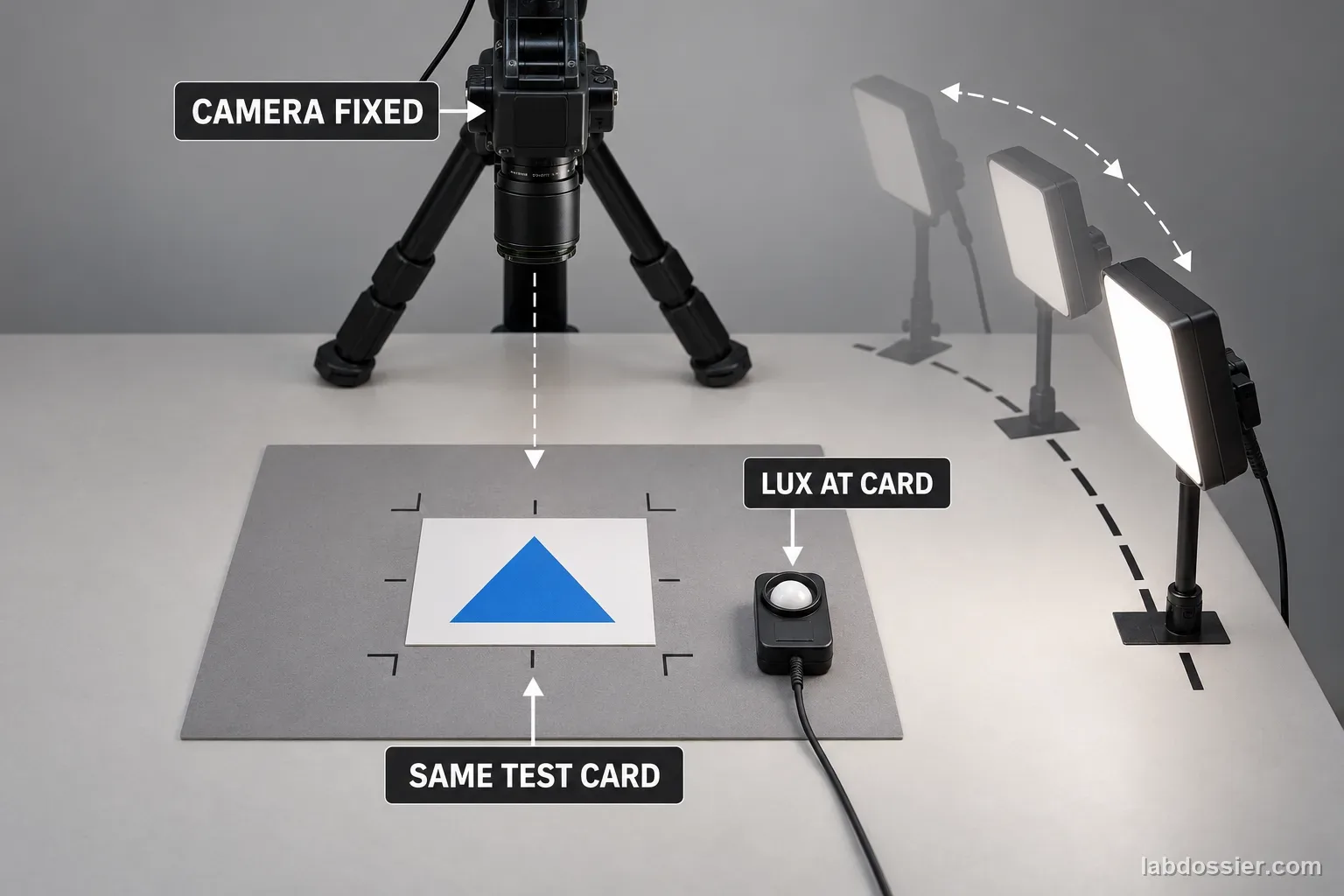
Use a teacher-approved diffused LED source or room lighting to create baseline, brighter and dimmer conditions. Keep the dim condition safely visible; avoid hot bulbs, direct glare, lasers, flicker and sudden exposure to darkness. If a lux meter is available, measure at the card surface and record readings. If not, use only the named relative conditions—do not invent lux values.
5. Capture every card in every condition
For each of the 30 cards, capture one image in each of the three conditions while keeping the card and camera marks unchanged. Randomize card order within each condition. Lock focus/exposure if the device allows; otherwise record that auto-exposure may change the image. Do not show the model feedback or adjust its settings between captures.
6. Compare correct labels and mix-ups
Run all 90 test images through the same trained model. For each lighting condition, calculate correct predictions ÷ 30 × 100% and keep a confusion matrix by shape. Record confidence as a separate value; high confidence is not evidence that a label is correct. Describe differences as this camera-and-model result only.
Materials // Prepare the bench
- teacher-approved image classifier
- 30 non-identifying paper shape test cards
- 12 separate training captures per class
- fixed camera or tablet stand
- matte background and marked card position
- teacher-approved diffused LED source
- lux meter if available
- data sheet and answer key
05 // Data table
| Test ID | Verified shape | Brighter prediction / confidence | Baseline prediction / confidence | Dimmer prediction / confidence |
|---|---|---|---|---|
| L01 | circle | |||
| L02 | triangle | |||
| L03 | square | |||
| L04 | circle | |||
| L05 | triangle | |||
| L06 | square | |||
| L07 | circle | |||
| L08 | triangle | |||
| L09 | square | |||
| L10 | circle | |||
| L11 | triangle | |||
| L12 | square | |||
| L13 | circle | |||
| L14 | triangle | |||
| L15 | square | |||
| L16 | circle | |||
| L17 | triangle | |||
| L18 | square | |||
| L19 | circle | |||
| L20 | triangle | |||
| L21 | square | |||
| L22 | circle | |||
| L23 | triangle | |||
| L24 | square | |||
| L25 | circle | |||
| L26 | triangle | |||
| L27 | square | |||
| L28 | circle | |||
| L29 | triangle | |||
| L30 | square |
Compare the three light conditions
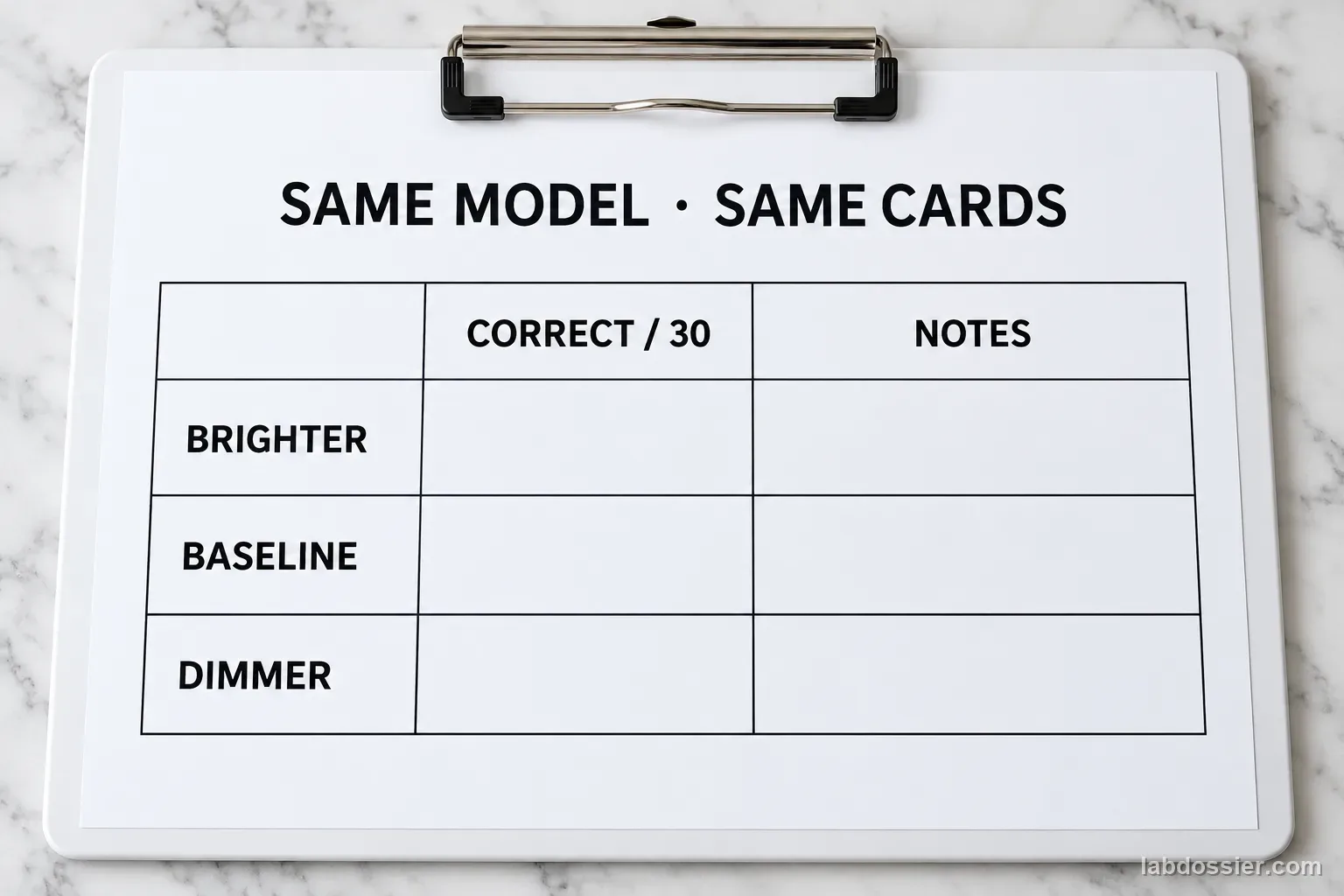
| Test lighting | Correct / 30 | Incorrect / 30 | Accuracy (%) | Notes on camera exposure |
|---|---|---|---|---|
| Brighter diffuse | ||||
| Baseline room light | ||||
| Dim but safely visible |
Check which shape is affected
| Lighting | Circle correct / 10 | Triangle correct / 10 | Square correct / 10 | Common mix-up |
|---|---|---|---|---|
| Brighter diffuse | ||||
| Baseline room light | ||||
| Dim but safely visible |
Record measured conditions when available
| Condition | Lux at card (if measured) | Light source / setting | Focus/exposure locked? | Card visible without glare? |
|---|---|---|---|---|
| Brighter diffuse | yes / no | yes / no | ||
| Baseline room light | yes / no | yes / no | ||
| Dim but safely visible | yes / no | yes / no |
Formula Condition accuracy (%) = correct predictions ÷ 30 × 100%
06 // What to expect
Changing light may alter the camera image and predictions, but this experiment does not predict the direction or size of the effect.
Use the same model and held-out cards under every condition; report actual labels and raw counts.
Automatic exposure, one camera and a small set of paper shapes limit what the result can show.
07 // Lab notes
08 // Remember
Keep the object and model fixed while the light changes. A change in the camera image can change a prediction—but one classroom result is not a rule for every AI.
09 // Train one baseline model
Use equal-color matte paper circles, triangles and squares so shape is the intended class cue. Capture 12 distinct training images per class under steady baseline room lighting with the camera held at one marked position. Train one model and save the visible tool/version, date and settings. Keep the test cards physically and digitally separate; do not use the same photo in both groups.
This design asks how one baseline-trained model handles changed test illumination. It does not compare models trained in every lighting condition. If the classifier tool cannot save a trained model or its settings, record that limitation and do not claim the model remained exactly identical across sessions.
10 // Prepare new test cards
Set aside ten new cards per class and label them before testing. Mark the camera location, card footprint, card orientation and camera-to-card distance. Photograph the same 30 physical cards under each light condition, giving 90 test images. Use a stable stand rather than hand-holding the camera, and avoid movement between captures.
The image sensor may change exposure, gain, white balance or focus when lighting changes. Lock those settings if the device permits; if it does not, record that the measured outcome includes camera auto-adjustment. The experiment evaluates the camera-plus-model path as students actually use it, not the isolated neural network weights.
11 // Set three safe light conditions
Choose a baseline room-light setup, a brighter diffuse setup and a dimmer but still clearly visible setup. Keep the light source cool and indirect; do not use hot bulbs, candles, lasers, direct glare or flashing light. A teacher should make adjustments and check that the work area stays safe.
Measure illumination at the card surface with a lux meter if one is available. Record the meter reading and where it was held. If no meter is available, use only comparative labels such as brighter, baseline and dimmer; do not assign invented lux numbers. Keep other room lights and the background as stable as practical.
12 // Capture every card in every condition
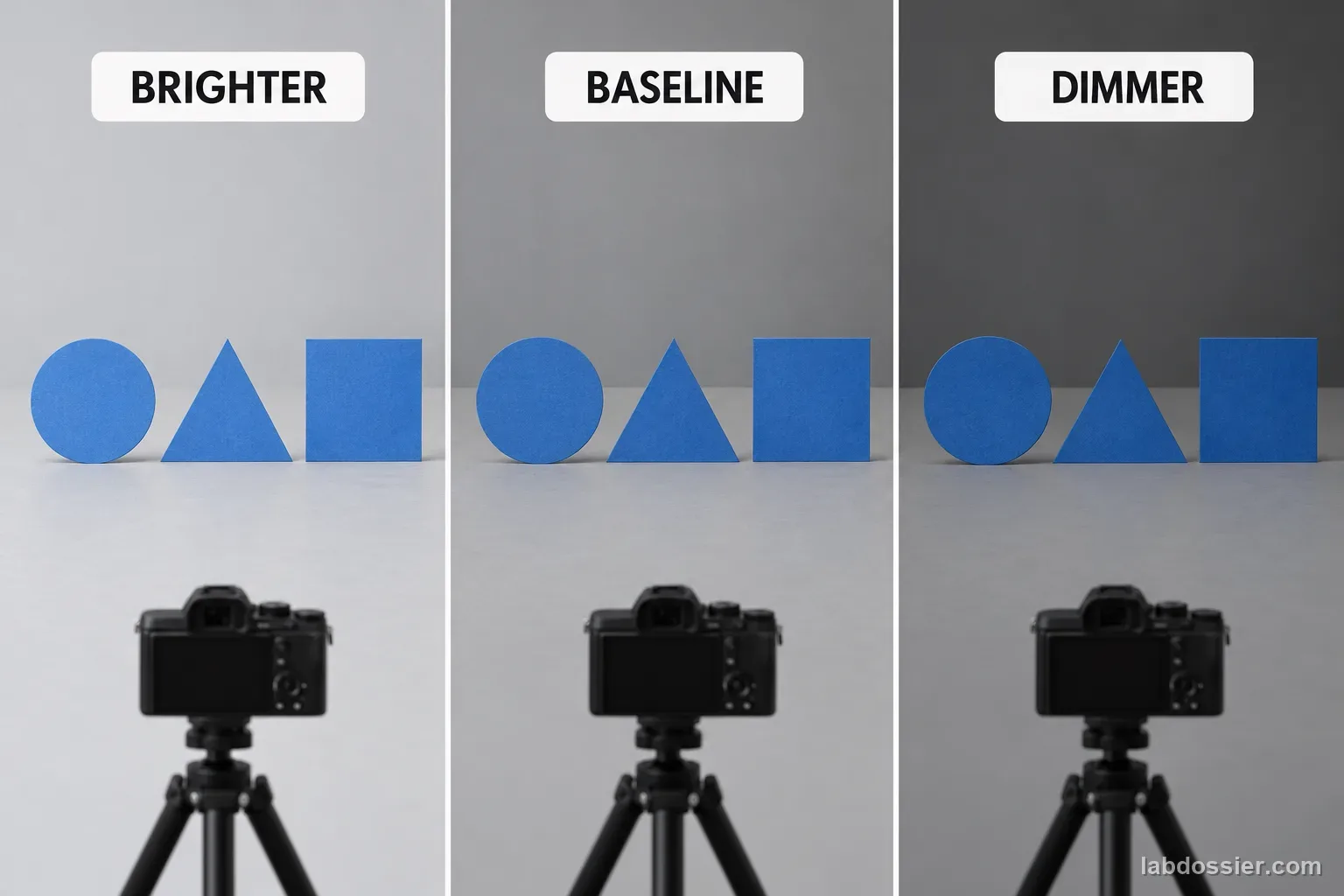
Randomize the 30 card IDs and use the same recorded order in each lighting condition. Place each card on the same footprint and capture one image, then repeat the full set under the other conditions. Do not change the class label, model, app options, crop, camera position or distance. Avoid retraining or giving the model feedback partway through.
For each test ID, record the returned class and any displayed confidence for brighter, baseline and dimmer captures. Keep the verified label alongside every row. If a capture is blurry, obstructed or the card moved off its mark, flag it and repeat under the same condition according to a rule decided before looking at predictions. Preserve the original reading as well as the repeat.
13 // Compare correct labels and mix-ups
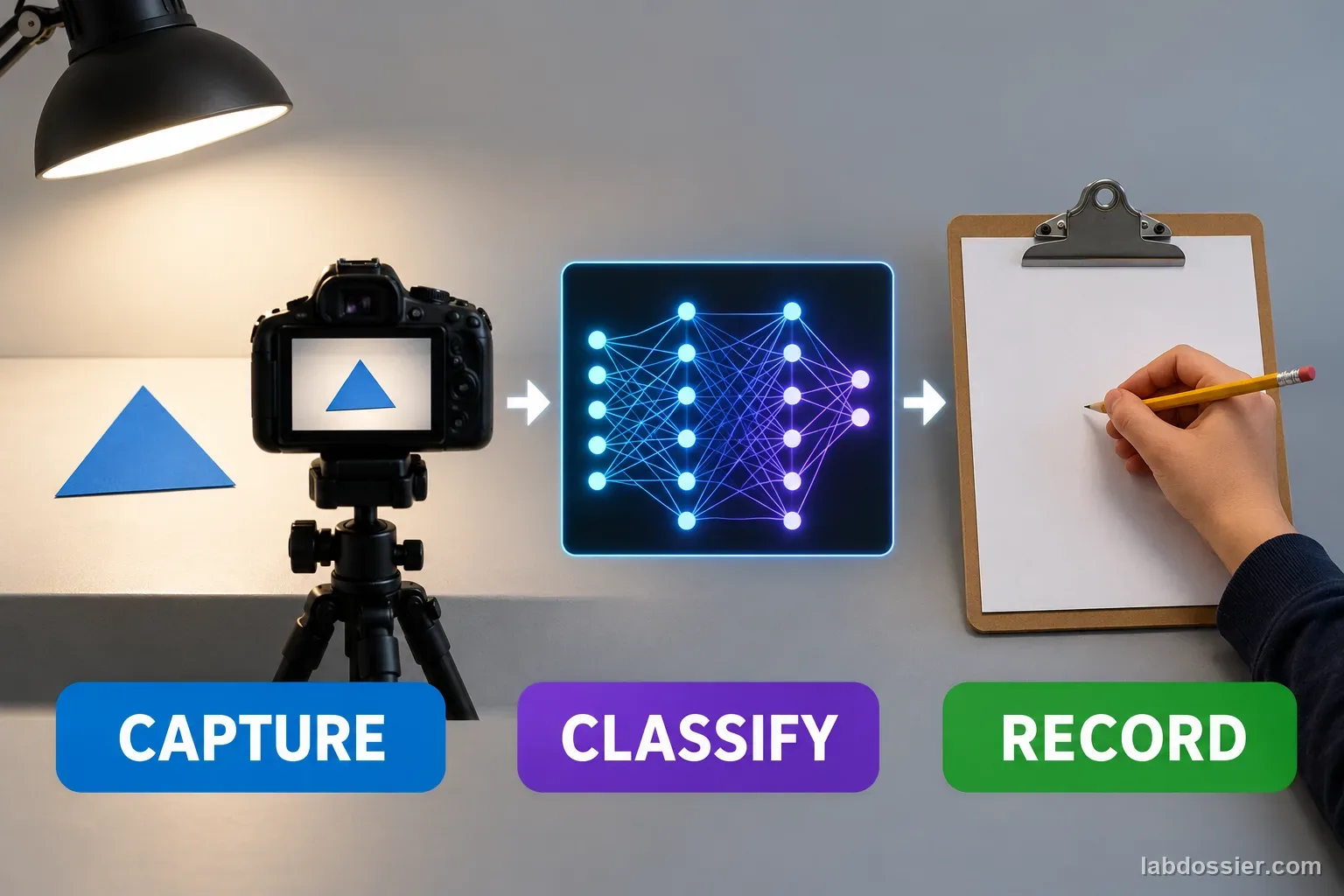
Count correct labels out of the same 30 cards for each condition and calculate the percentage separately. Build a confusion matrix for each light setup, with true shape as rows and predicted shape as columns. Analyze class-level error patterns instead of relying only on overall accuracy. Treat confidence as a second measurement; a confident wrong prediction is still wrong.
A change can come from object visibility, sensor exposure, color response, model behavior or their interaction. One classroom camera, one model and three paper classes cannot tell which internal feature caused a prediction or establish how other systems behave. Compare the observed counts, state the capture conditions, note any automatic camera processing, and avoid safety or identity uses.
14 // Questions people ask
Why test the same physical cards in every light condition?
The card's verified class stays fixed, so a changed prediction can be compared across lighting without also changing which object was tested.
Does this prove the model itself is sensitive to light?
It measures a complete capture-and-classification setup. Camera auto-exposure, focus, compression and the classifier can all contribute; record these limits.
Do we need exact lux measurements?
A lux meter improves repeatability. If one is unavailable, use clear relative labels such as baseline, brighter and dimmer and avoid claiming numerical illumination values.
Should we retrain the classifier under every light?
No. Retraining would change the model between conditions. This test asks how one baseline-trained model responds to changed test illumination.
Does a lower confidence score mean the classification is wrong?
Not necessarily. Score correctness by comparing the predicted label with the saved class key, then report confidence separately.
Can you explain the investigation?
How does changing light affect an image classifier’s predictions? · Student Data Sheet
Question: For one trained shape classifier, how does changing illumination affect predictions for the same held-out cards?
Hypothesis: If the same held-out cards are captured under light levels different from the model's training light, then some predictions or displayed confidence values may change, because illumination can alter the captured appearance, while the size and direction of the effect depend on the camera, model, objects and light setup.
Materials
- teacher-approved image classifier
- 30 non-identifying paper shape test cards
- 12 separate training captures per class
- fixed camera or tablet stand
- matte background and marked card position
- teacher-approved diffused LED source
- lux meter if available
- data sheet and answer key
Safety before starting
- Use a stable, teacher-approved lamp and low-heat light source. Keep bulbs, hot lamps, cords, and liquids apart; do not stare into bright lights or alter electrical equipment.
- Photograph non-identifying objects only. Check any model's privacy and retention rules before uploading images, and do not treat a small classifier test as a safety or identity check.
Lab notes
Variables
Independent: Illumination at the test card · Dependent: Classification outcome on the fixed test cards
Keep constant: same trained model · same 30 held-out cards and verified labels · same camera, lens, position, distance and background · same app settings · no retraining · record auto-exposure or lux-meter limits
Procedure
- Choose safe, non-identifying classes: Use equally colored paper circles, triangles and squares on one matte background. Avoid faces, student work and personal images. A teacher selects a school-approved classifier and checks its current account and privacy requirements.
- Train once under baseline light: Capture 12 distinct training examples per shape in steady, diffuse baseline room light. Keep the camera and card position fixed. Record the tool, visible model/version, date and settings, then train one model. Do not retrain during the lighting comparison.
- Prepare new test cards: Set aside 10 other cards per shape, for 30 held-out cards total, and write their verified labels before testing. These cards must not appear in training. Mark one fixed card position and one camera position; keep the card facing and background the same in every image.
- Set three safe light conditions: Use a teacher-approved diffused LED source or room lighting to create baseline, brighter and dimmer conditions. Keep the dim condition safely visible; avoid hot bulbs, direct glare, lasers, flicker and sudden exposure to darkness. If a lux meter is available, measure at the card surface and record readings. If not, use only the named relative conditions—do not invent lux values.
- Capture every card in every condition: For each of the 30 cards, capture one image in each of the three conditions while keeping the card and camera marks unchanged. Randomize card order within each condition. Lock focus/exposure if the device allows; otherwise record that auto-exposure may change the image. Do not show the model feedback or adjust its settings between captures.
- Compare correct labels and mix-ups: Run all 90 test images through the same trained model. For each lighting condition, calculate correct predictions ÷ 30 × 100% and keep a confusion matrix by shape. Record confidence as a separate value; high confidence is not evidence that a label is correct. Describe differences as this camera-and-model result only.
Record your observations
| Test ID | Verified shape | Brighter prediction / confidence | Baseline prediction / confidence | Dimmer prediction / confidence |
|---|---|---|---|---|
Compare the three light conditions
| Test lighting | Correct / 30 | Incorrect / 30 | Accuracy (%) | Notes on camera exposure |
|---|---|---|---|---|
Check which shape is affected
| Lighting | Circle correct / 10 | Triangle correct / 10 | Square correct / 10 | Common mix-up |
|---|---|---|---|---|
Record measured conditions when available
| Condition | Lux at card (if measured) | Light source / setting | Focus/exposure locked? | Card visible without glare? |
|---|---|---|---|---|
Formula: Condition accuracy (%) = correct predictions ÷ 30 × 100%
Answer key and expected pattern
Changing light may alter the camera image and predictions, but this experiment does not predict the direction or size of the effect.
Use the same model and held-out cards under every condition; report actual labels and raw counts.
Automatic exposure, one camera and a small set of paper shapes limit what the result can show.
Remember: Keep the object and model fixed while the light changes. A change in the camera image can change a prediction—but one classroom result is not a rule for every AI.