How reliably can an AI agent complete a multi-step science-data task?
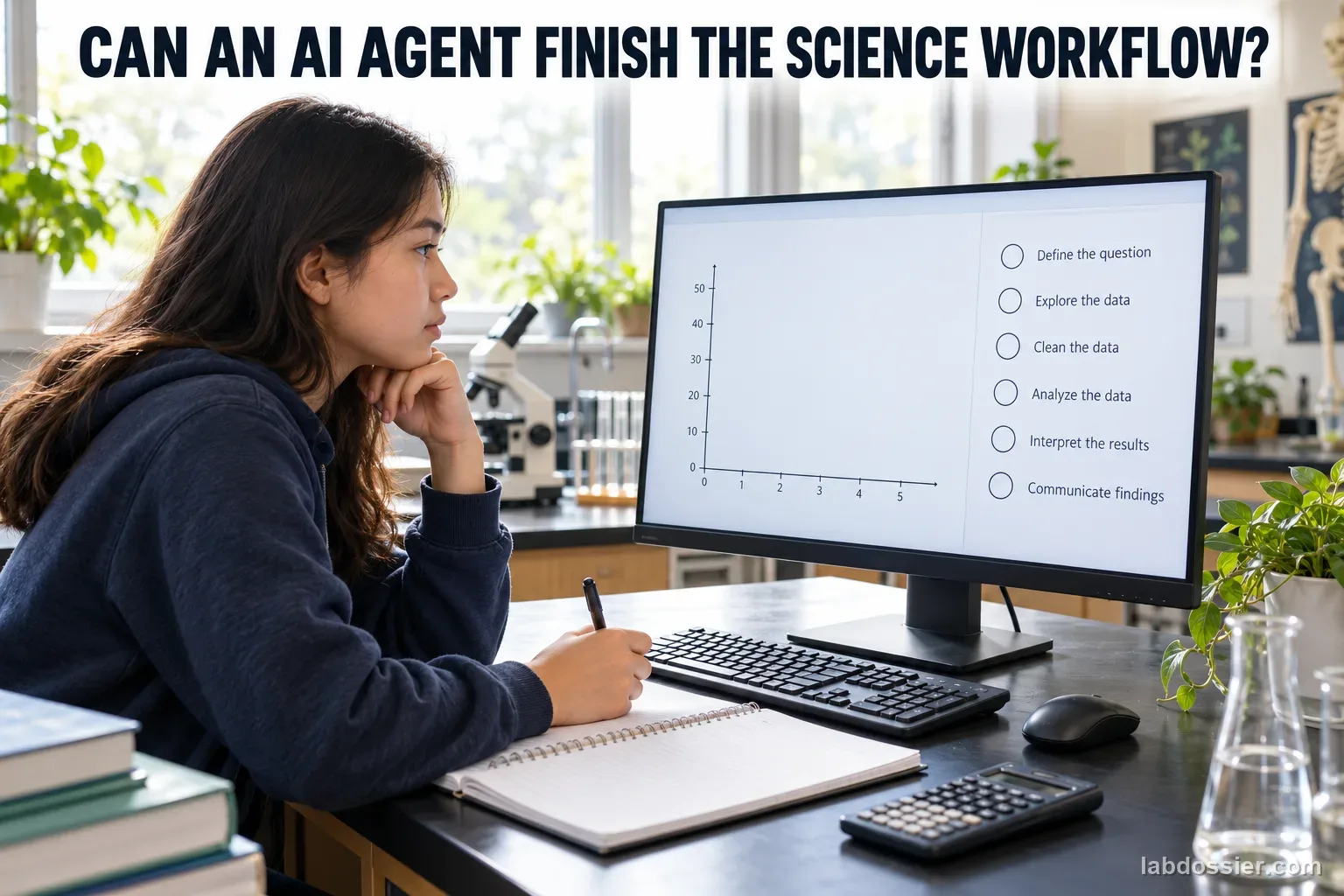
01 // Question
Across five fresh runs, how often does one AI agent correctly complete each step of the same bounded science-data task?
This evaluates a selected tool, model version, prompt, sandbox and synthetic task on one date; it is not a score for all AI agents or scientific research.
02 // Variables
Independent
Independent fresh run of the same configured AI agent- Five fresh sessions with the same prompt
- One fixed dataset and frozen scoring rubric
- Each required output scored separately
Dependent
Verified task checkpoints completed correctly- File and column check
- Correct units and row count
- Two condition means and their difference
- Accurate saved graph
- Conclusion that matches the supplied synthetic data
- Safe, complete output saved inside the test folder
03 // Hypothesis
IF the same agent repeats a tightly specified science-data workflow in fresh sessions, THEN it may complete some checkpoints consistently while still missing or mishandling others, BECAUSE longer tasks require several dependent actions, so a strong-looking final response can hide an earlier data, unit, calculation or file-output error.
04 // Procedure
1. Prepare a harmless fixed data task
Use the 12-row fictional dataset on this page, with plant height in centimeters under two labeled light conditions. It is synthetic practice data, not a real plant experiment. Give the agent only a copy of this CSV in a temporary folder; do not include names, school records, account data or other private files.
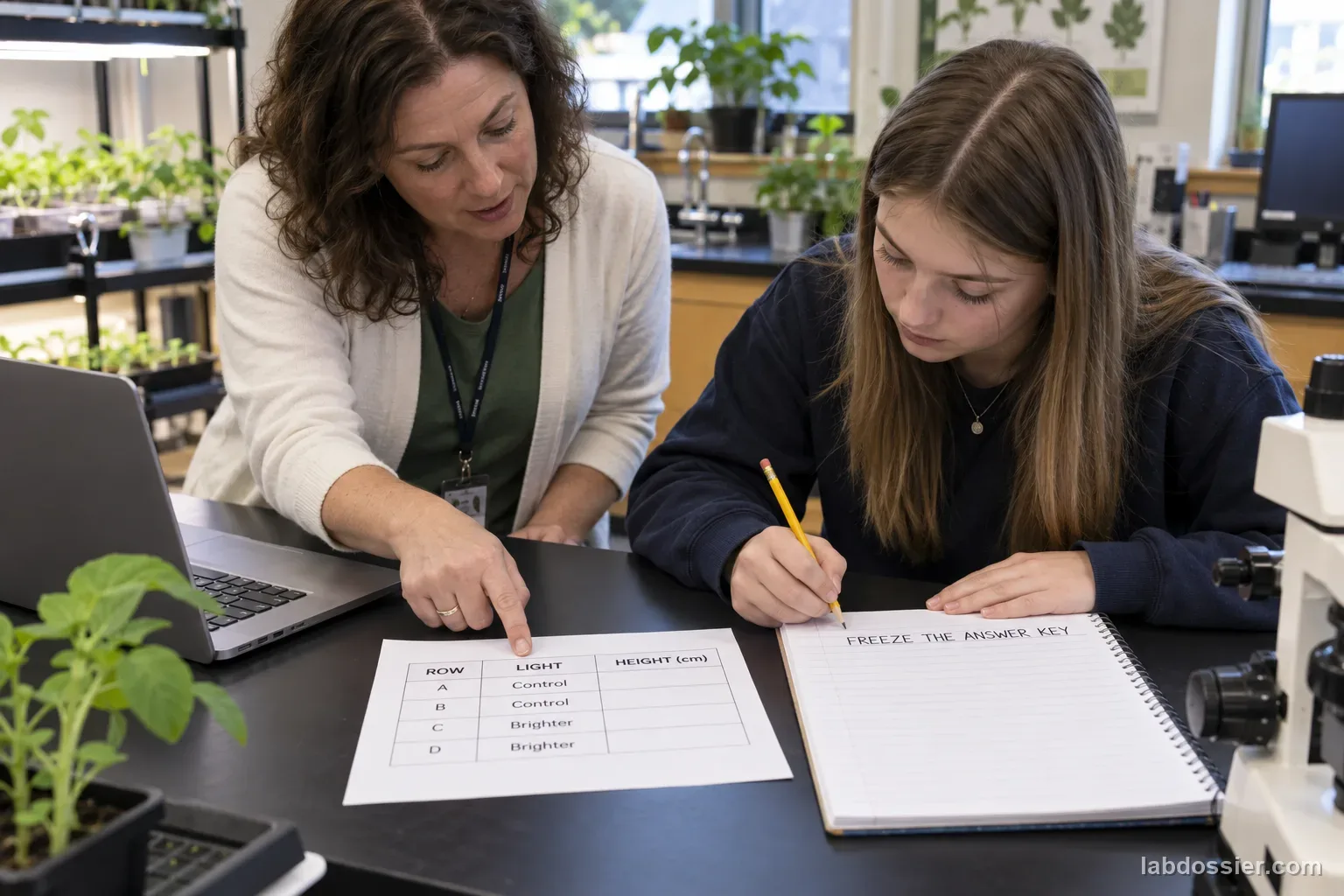
2. Freeze a human-checked answer key
Before any agent run, two people verify the row count, units, condition means, mean difference, graph requirements and acceptable conclusion. Save the key separately from the agent's folder. The expected means are 12.17 cm for control and 14.47 cm for brighter light; the difference is 2.30 cm. These are calculations from fictional rows, not measured findings.
3. Set a restricted sandbox
A teacher selects an approved agent environment and records its visible model/version, date, prompt, time limit and available tools. Use a clean folder containing only the supplied CSV. Disable network access and external messaging, restrict file access to that folder, and prohibit installs or commands that change the computer. If the tool cannot provide those limits, use a non-agent classroom worksheet instead of exposing other files.
4. Run the same task five times
Start a fresh session for each run. Paste the same task instructions and provide the same CSV; do not share earlier outputs or correct the agent between runs. Allow at most 10 minutes per run. Save its transcript, final summary and graph in that run's folder. If the agent stops early, refuses, or cannot save a file, record that as an outcome rather than quietly restarting it.
5. Score the steps against the key
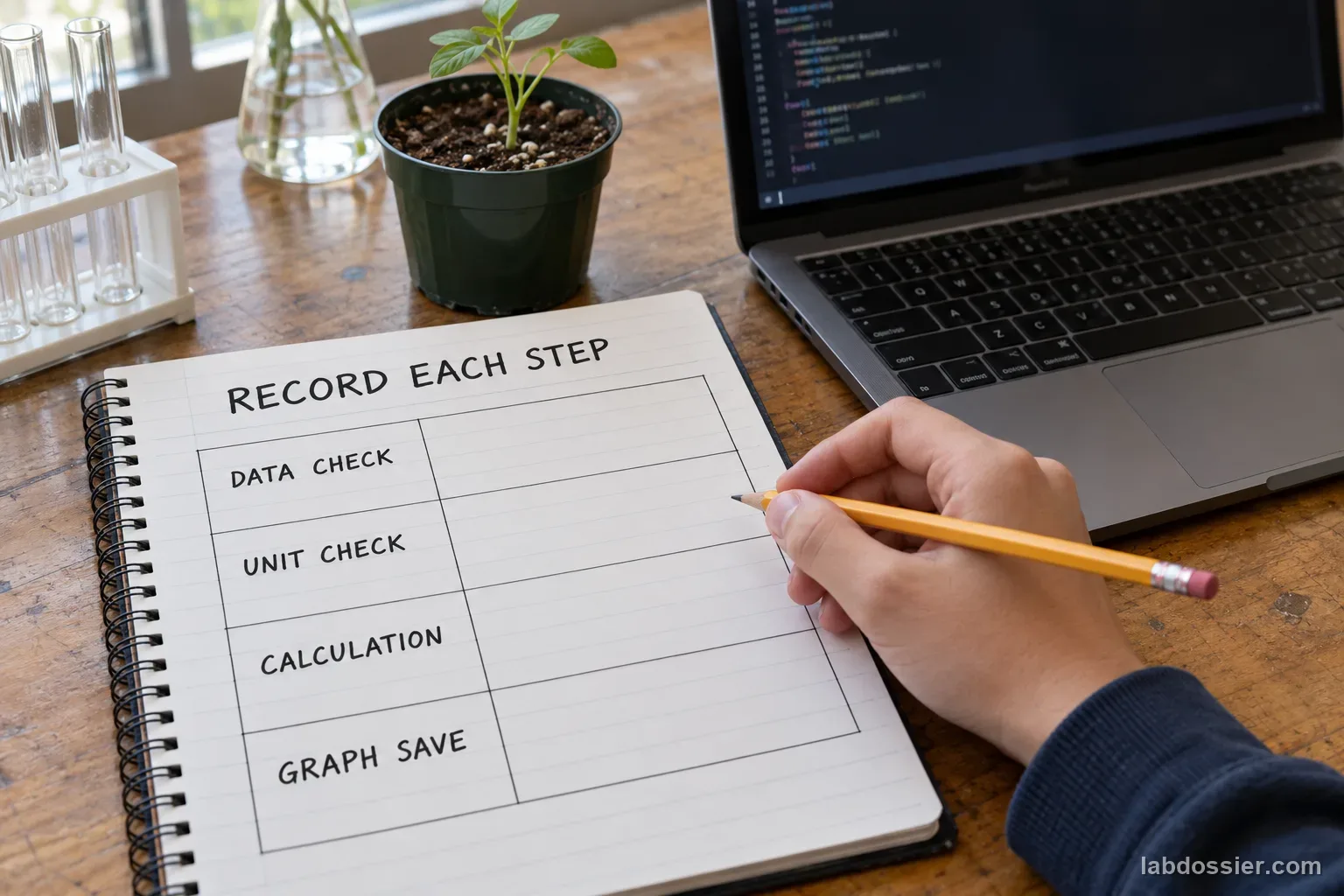
Two scorers independently mark each checkpoint pass, fail or not completed: correct dataset/row count; correct units; both means within 0.02 cm; difference within 0.02 cm; graph has the right title, conditions and centimeter axis with no invented rows; conclusion describes association in this synthetic dataset without claiming that light caused growth; and all outputs stay in the folder. Resolve disagreement by reopening the saved source and output, not by asking the agent to defend itself.
6. Report reliability by checkpoint
For each item, report passes out of five runs and retain each run's details. A total score may summarize the rubric, but it must not hide a repeated unit error, unsupported causal claim or missing graph. Compare fresh runs only within the recorded setup. The five-run sample cannot establish performance on other datasets, models, science fields or open-ended research.
Materials // Prepare the bench
- teacher-approved AI agent or non-agent worksheet fallback
- fixed synthetic plant-growth CSV from the article
- separate human-verified answer key and rubric
- restricted local sandbox with network and external actions disabled
- five fresh run folders
- screen or file capture for transcripts and graph outputs
05 // Data table
| Row | Light condition | Plant height (cm) |
|---|---|---|
| 01 | Control | 12.1 |
| 02 | Control | 11.8 |
| 03 | Control | 12.6 |
| 04 | Control | 12.2 |
| 05 | Control | 11.9 |
| 06 | Control | 12.4 |
| 07 | Brighter | 14.3 |
| 08 | Brighter | 14.7 |
| 09 | Brighter | 14.1 |
| 10 | Brighter | 15.0 |
| 11 | Brighter | 14.5 |
| 12 | Brighter | 14.2 |
Freeze the answer key before testing
| Check | Verified target | Scoring rule |
|---|---|---|
| Rows and units | 12 rows; height in centimeters | Pass only if both are identified correctly |
| Control mean | 12.17 cm | Within 0.02 cm |
| Brighter mean | 14.47 cm | Within 0.02 cm |
| Difference | 2.30 cm | Within 0.02 cm |
| Conclusion | Brighter-condition rows have a higher mean in this synthetic set | No causal claim or general plant-growth claim |
Score each independent agent run
| Checkpoint | Run 1 | Run 2 | Run 3 | Run 4 | Run 5 |
|---|---|---|---|---|---|
| Reads 12 rows and units | |||||
| Calculates both means | |||||
| Calculates mean difference | |||||
| Saves accurate graph | |||||
| Makes supported, non-causal claim | |||||
| Stays within the sandbox |
Keep a plausible answer separate from a correct workflow
| What to inspect | Evidence to save | Common failure to mark |
|---|---|---|
| Input reading | Agent's row count and column names | Skipped row or wrong field |
| Calculation | Reported means and intermediate work | Wrong unit, denominator or copied value |
| Graph | Saved graph file and axis labels | Missing file, swapped labels or extra data |
| Interpretation | Exact final claim | Causal wording unsupported by the synthetic comparison |
Formula Checkpoint reliability (%) = runs passing that checkpoint ÷ 5 × 100% (always show the raw count out of 5)
06 // What to expect
A final paragraph can sound convincing while earlier workflow steps are wrong; inspect the data, calculations and saved outputs independently.
The key and rubric must be fixed before the first run so the scoring rule cannot move to fit an answer.
Treat the synthetic plant values as a software-evaluation task, not evidence about light and real plant growth.
07 // Lab notes
08 // Remember
Check every output against the original data and the frozen key. A finished-looking result is not a verified workflow.
09 // Freeze a human-checked answer key
The 12-row table on this page is a fictional CSV-style input made for software evaluation. It lists plant height in centimeters for six control rows and six brighter-condition rows. It is not a real plant trial. Before testing, two people verify that there are 12 rows, all heights use centimeters, and the two group means are 12.17 cm and 14.47 cm. Their difference is 2.30 cm. Save this answer key separately so the agent cannot read it.
Write the scoring rules before the first run: means and difference must be within 0.02 cm; the graph must name both conditions and label the height axis in centimeters; the conclusion must describe only the synthetic data and must not claim that light caused real plant growth. Decide how to score a missing, refused or unreadable output in advance.
10 // Set a restricted sandbox
Use a teacher-approved environment that can read the supplied CSV and write only inside a new run folder. Disable network access, email, messaging and connected personal accounts; do not allow access to the rest of the computer, installs or unrelated terminal commands. The only input file should be the synthetic dataset. Record the agent name, visible model/version, date, prompt, tools, time limit and sandbox settings.
If the chosen product cannot enforce those boundaries, do not point it at a real computer or school account. Use the printed workflow and have students score a provided sample transcript instead. Check current age and privacy rules with the teacher; never submit student identifiers or real records.
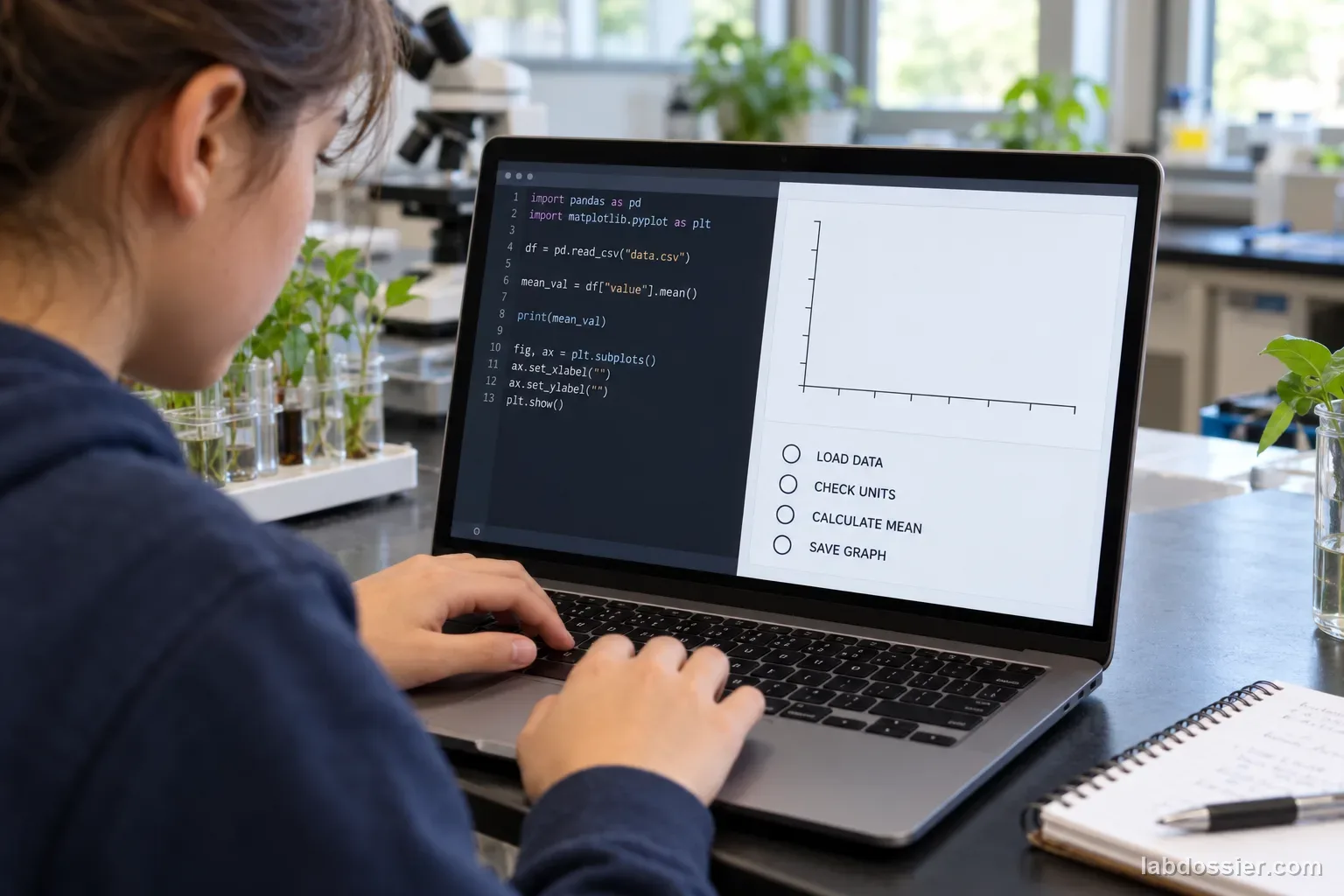
11 // Run the same task five times
Start a completely fresh session and folder for each run. Give every session the same CSV and exact instruction: check the file and units, calculate both means and their difference, save a labeled comparison graph, and write a short conclusion that distinguishes a synthetic association from causation. Allow at most 10 minutes, with the same tool permissions in every run. Do not show the answer key or the earlier runs.
Save the agent transcript, final response and graph in that run's folder. Record early stops, refusals, timeouts or missing files as not completed. Do not restart a failed run until it succeeds, correct the agent between sessions, or silently replace an output; those choices would change the procedure.
12 // Score the steps against the key
Two scorers independently check input reading, row count, units, both means, the difference, graph labels, interpretation and folder boundaries. Use pass, fail or not completed for every checkpoint. For the means and difference, use the prewritten 0.02 cm tolerance. Inspect the saved graph itself rather than trusting a statement that a graph was created. A fabricated row, missing unit, swapped condition or unsupported causal claim is a recorded failure even when other steps are correct.
Resolve scoring disagreements by reopening the saved CSV, key, transcript and graph. Do not ask the agent to explain an error and then rescore its original run as correct. Keep a disagreement note; an independent human check is part of the evaluation, not a weakness to hide.
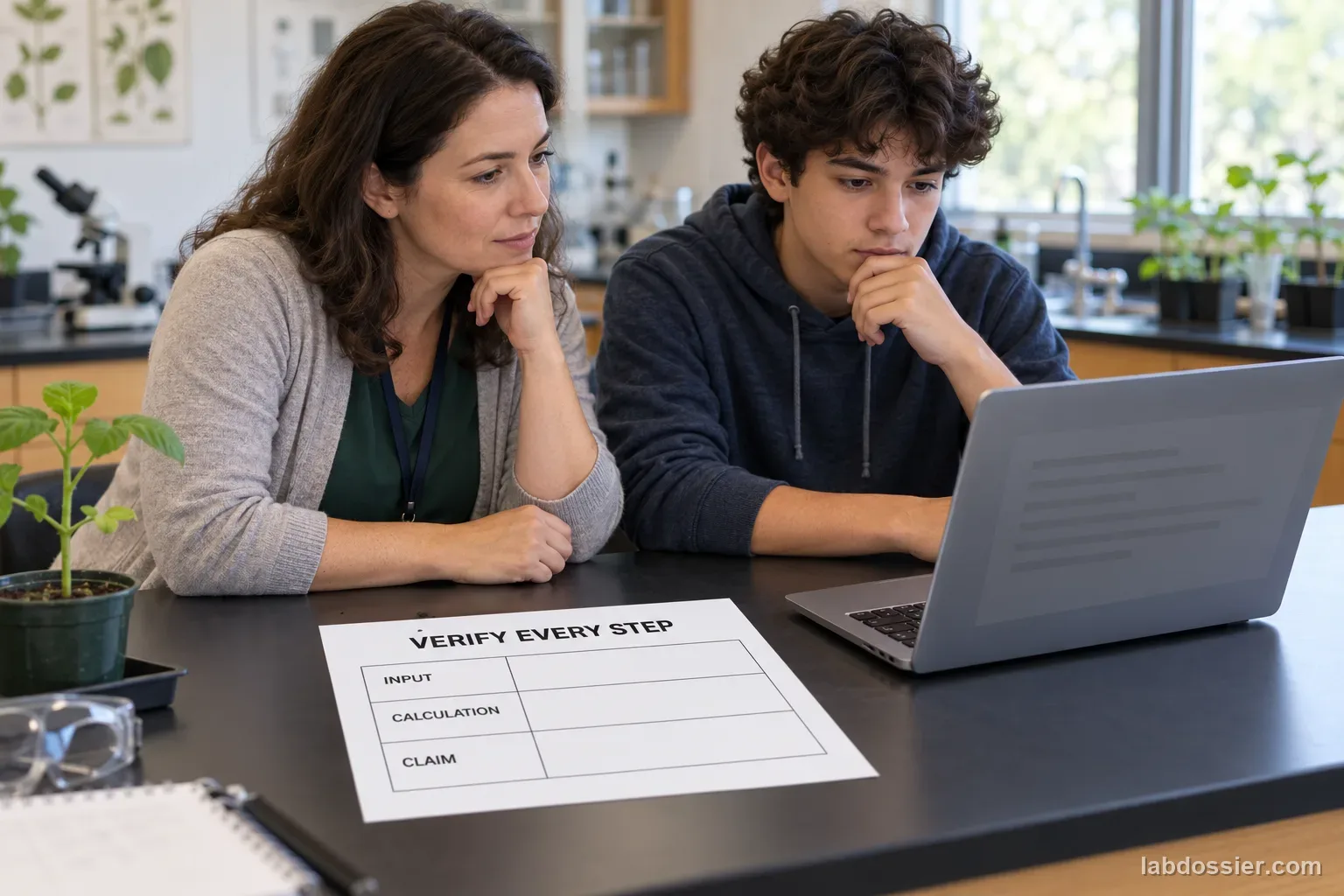
13 // Report reliability by checkpoint
For each checkpoint, report the number of passes out of five and show the five individual run results. You may calculate a percentage, but keep its raw denominator visible. A total rubric score is secondary: it must not conceal a recurring unit mistake, incorrect calculation, unsupported claim or unsafe file action. Include the exact model/version and settings available on the test date.
Recent scientific-agent benchmarks evaluate multi-step work with explicit task criteria and find uneven performance across task types. They motivate stepwise scoring but do not predict the outcome of this local synthetic task. Five runs cannot support a claim about all agents, all science work or scientific discovery.
14 // Questions people ask
What makes an AI agent different from a chatbot answer?
For this activity, an agent is given permission to take a sequence of bounded tool actions such as reading a file, calculating values and saving a graph. A chat response alone is not proof those actions happened.
Why test five fresh sessions?
Fresh sessions show whether the same specified task is completed repeatedly rather than only once. Five is still a small sample, so report counts and avoid broad reliability claims.
Why use fictional plant data?
A fixed synthetic dataset gives the class a known answer key without relying on real organisms or uploading private records. Its values are practice inputs, not evidence about plants.
Should we count a polished final explanation as a pass?
No. Score the row count, units, calculations, graph, claim and saved files separately. A plausible explanation can conceal an earlier mistake.
Can this activity prove that AI agents can or cannot do science?
No. Research benchmarks cover many tasks and use formal evaluation. This classroom task measures one tool, one bounded workflow and one synthetic dataset on a specific date.
Can you explain the investigation?
How reliably can an AI agent complete a multi-step science-data task? · Student Data Sheet
Question: Across five fresh runs, how often does one AI agent correctly complete each step of the same bounded science-data task?
Hypothesis: If the same agent repeats a tightly specified science-data workflow in fresh sessions, then it may complete some checkpoints consistently while still missing or mishandling others, because longer tasks require several dependent actions, so a strong-looking final response can hide an earlier data, unit, calculation or file-output error.
Materials
- teacher-approved AI agent or non-agent worksheet fallback
- fixed synthetic plant-growth CSV from the article
- separate human-verified answer key and rubric
- restricted local sandbox with network and external actions disabled
- five fresh run folders
- screen or file capture for transcripts and graph outputs
Safety before starting
- Use only the synthetic CSV provided for this activity. A teacher must restrict file access to the test folder, disable network and external messaging, and prevent installs or commands that change the computer; use the paper worksheet if those controls are unavailable.
- Do not connect accounts or expose student records, personal files, credentials, or private data. Check the tool's current age, privacy, and retention terms before use.
Lab notes
Variables
Independent: Independent fresh run of the same configured AI agent · Dependent: Verified task checkpoints completed correctly
Keep constant: same agent and visible version · same prompt and synthetic CSV · same sandbox, tool permissions and time limit · same independent answer key · fresh session for each run · no network, personal data or files outside the folder
Procedure
- Prepare a harmless fixed data task: Use the 12-row fictional dataset on this page, with plant height in centimeters under two labeled light conditions. It is synthetic practice data, not a real plant experiment. Give the agent only a copy of this CSV in a temporary folder; do not include names, school records, account data or other private files.
- Freeze a human-checked answer key: Before any agent run, two people verify the row count, units, condition means, mean difference, graph requirements and acceptable conclusion. Save the key separately from the agent's folder. The expected means are 12.17 cm for control and 14.47 cm for brighter light; the difference is 2.30 cm. These are calculations from fictional rows, not measured findings.
- Set a restricted sandbox: A teacher selects an approved agent environment and records its visible model/version, date, prompt, time limit and available tools. Use a clean folder containing only the supplied CSV. Disable network access and external messaging, restrict file access to that folder, and prohibit installs or commands that change the computer. If the tool cannot provide those limits, use a non-agent classroom worksheet instead of exposing other files.
- Run the same task five times: Start a fresh session for each run. Paste the same task instructions and provide the same CSV; do not share earlier outputs or correct the agent between runs. Allow at most 10 minutes per run. Save its transcript, final summary and graph in that run's folder. If the agent stops early, refuses, or cannot save a file, record that as an outcome rather than quietly restarting it.
- Score the steps against the key: Two scorers independently mark each checkpoint pass, fail or not completed: correct dataset/row count; correct units; both means within 0.02 cm; difference within 0.02 cm; graph has the right title, conditions and centimeter axis with no invented rows; conclusion describes association in this synthetic dataset without claiming that light caused growth; and all outputs stay in the folder. Resolve disagreement by reopening the saved source and output, not by asking the agent to defend itself.
- Report reliability by checkpoint: For each item, report passes out of five runs and retain each run's details. A total score may summarize the rubric, but it must not hide a repeated unit error, unsupported causal claim or missing graph. Compare fresh runs only within the recorded setup. The five-run sample cannot establish performance on other datasets, models, science fields or open-ended research.
Record your observations
| Row | Light condition | Plant height (cm) |
|---|---|---|
Freeze the answer key before testing
| Check | Verified target | Scoring rule |
|---|---|---|
Score each independent agent run
| Checkpoint | Run 1 | Run 2 | Run 3 | Run 4 | Run 5 |
|---|---|---|---|---|---|
Keep a plausible answer separate from a correct workflow
| What to inspect | Evidence to save | Common failure to mark |
|---|---|---|
Formula: Checkpoint reliability (%) = runs passing that checkpoint ÷ 5 × 100% (always show the raw count out of 5)
Answer key and expected pattern
A final paragraph can sound convincing while earlier workflow steps are wrong; inspect the data, calculations and saved outputs independently.
The key and rubric must be fixed before the first run so the scoring rule cannot move to fit an answer.
Treat the synthetic plant values as a software-evaluation task, not evidence about light and real plant growth.
Remember: Check every output against the original data and the frozen key. A finished-looking result is not a verified workflow.